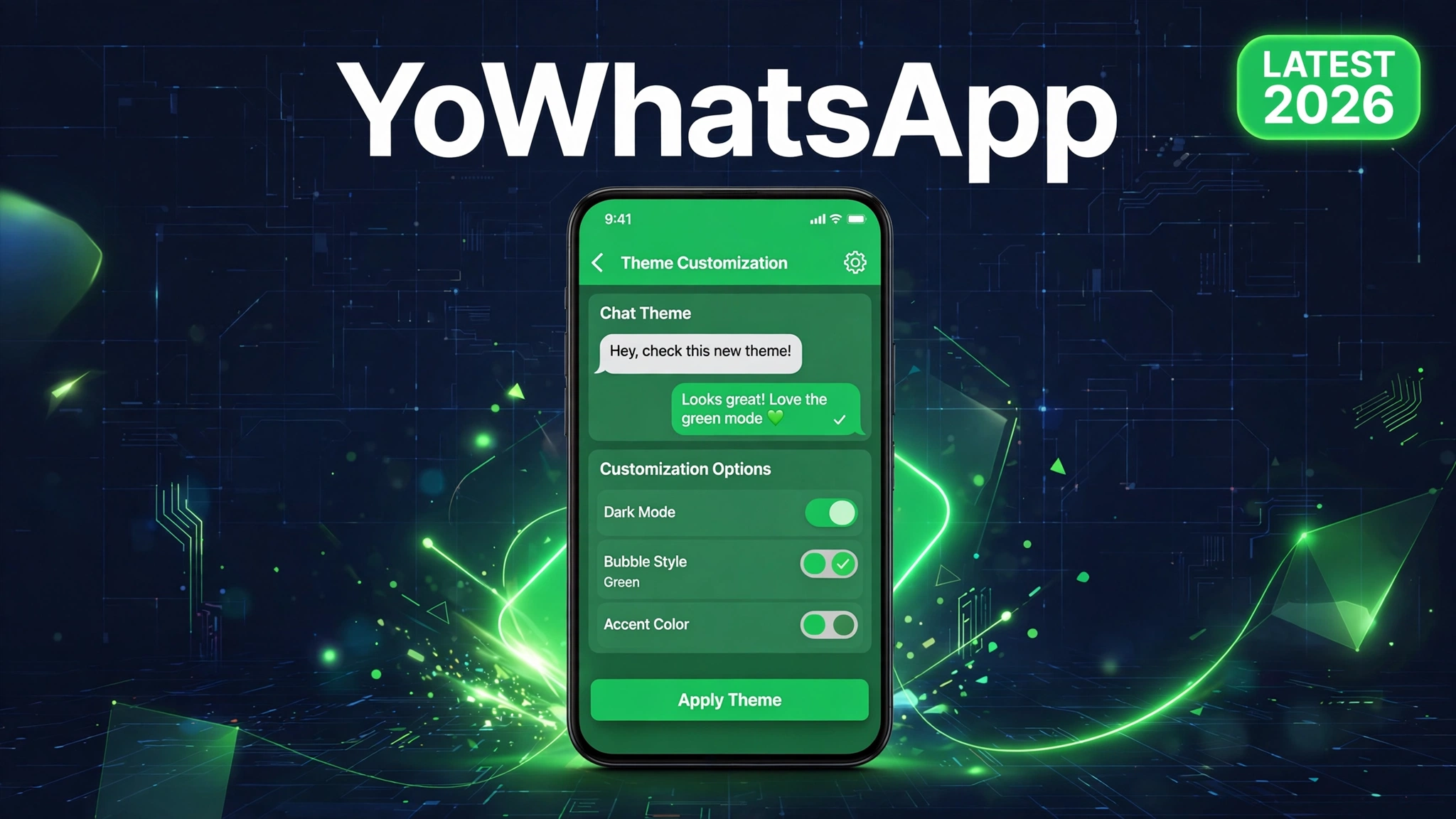
YoWhatsApp APK: Latest Version Download (2026)
YoWhatsApp promises the WhatsApp you know with the controls WhatsApp never gave you: themes, hidden online status, and messages that cannot be deleted by the sender. But search for it and you drown in version chaos, with every site claiming a different latest version.
Here is the situation nobody clarifies: the original YoWhatsApp by Yousef Al Basha stalled years ago, while the HeyMods team picked up the YoWA line and keeps it current. Knowing which build you are actually downloading is the difference between a working mod and a dead file.
This guide gives you the verified October 2026 YoWhatsApp build, explains the version mess honestly, and covers install steps plus the ban safety rules every mod user should know.
Quick Answer: YoWhatsApp is a WhatsApp mod with themes, privacy controls, and anti delete features. The original Yousef build is discontinued, so use the current HeyMods YoWA line. Download the verified October 2026 build below, back up your chats first, and install it as a second WhatsApp or as a replacement.
What Is YoWhatsApp
YoWhatsApp, often shortened to YoWA, is a modified WhatsApp client for Android. It starts from the official WhatsApp base and adds customization and privacy features that the official app does not offer.
The standout features are visual: thousands of downloadable themes, custom fonts, and redesigned chat screens. On the privacy side you can hide your online status, blue ticks, typing indicator, and viewed status, per contact or globally. The anti delete feature keeps messages and statuses visible even after the sender deletes them.
It also handles practical needs: sending files far larger than the official limits, locking the app behind a PIN or fingerprint, and running a second WhatsApp number alongside the official app.
The Version Situation, Explained Honestly
YoWhatsApp versioning confuses everyone, so here is the straight story. The original YoWhatsApp by Yousef Al Basha stopped meaningful development years ago, with its line ending around v10.10. Sites still hosting that build are serving history, not a current app.
The HeyMods team continued the YoWA line and keeps it aligned with modern WhatsApp bases. Their recent builds sit in the v25.8.5x range as of late 2026. The file linked below is the October 2026 build on WhatsApp base 2.26.37.74, verified by direct download at 139.7 MB.
When a site claims a wildly different version with no base version stated, treat it with suspicion. A trustworthy YoWhatsApp page tells you the WhatsApp base it was built on.
How to Download and Install YoWhatsApp
- Back up your chats. Open your current WhatsApp, go to Settings, then Chats, then Chat Backup, and create a backup. Mod installs go smoother when your data is safe.
- Download the APK using the button above. Confirm the file size is about 139.7 MB after downloading.
- Allow unknown apps. When you tap the APK, Android will ask for permission to install from your browser or file manager. Allow it.
- Install the APK. If you want YoWhatsApp as a second app, use the clone package. To replace WhatsApp, uninstall the original first, after your backup is done.
- Verify your number with the SMS code, then restore your chat backup when offered.
For the general sideloading walkthrough, see how to install a mod APK.
System Requirements
YoWhatsApp needs Android 5.0 or newer, about 300 MB of free space for the install plus your media, and an active phone number for verification. It runs on both 32 bit and 64 bit devices through the standard build.
YoWhatsApp vs the Official App
| Feature | YoWhatsApp | Official WhatsApp |
|---|---|---|
| Themes | Thousands, fully custom | Light and dark only |
| Hide online status | Yes, per contact | Limited options |
| Anti delete | Yes | No |
| Ban risk | Temporary bans possible | None |
| Updates | Manual from mod sources | Automatic via Play Store |
Pros and Cons
Pros: unmatched theming, strong privacy controls, anti delete, large file sharing, second account support, free.
Cons: not on the Play Store, manual updates, temporary ban risk from WhatsApp, version confusion across download sites, no official support.
Ban Safety: Read This Before Installing
WhatsApp actively detects unofficial clients and issues temporary bans, usually starting at 24 hours, for numbers using mods. This is the real cost of YoWhatsApp, and no mod can promise immunity.
Reduce the risk by using a secondary number for the mod, keeping the build current, and avoiding spam like behavior. If you get a temporary ban notice, switch back to the official app on that number until it lifts. Our GB WhatsApp not working fix guide covers ban recovery steps that apply to YoWhatsApp too.
Common Errors and Fixes
Stuck on verifying number: request the call verification option instead of SMS, and make sure no VPN is active during verification.
Crashes on open: clear app data once, or reinstall the APK cleanly. Conflicts with the original WhatsApp data cause most first launch crashes.
Temporary ban message: this comes from WhatsApp servers, not the mod. Wait it out on the official app, then decide whether the mod is worth it for that number.
Safety Note
YoWhatsApp is a third party client unaffiliated with Meta. Your messages pass through modified code, so weigh the features against the privacy tradeoff. Download only from sources that state the base version and file size, scan every file, and read is mod APK safe and what is a mod APK before you commit.
Frequently Asked Questions
Is YoWhatsApp still updated in 2026
The original Yousef Al Basha builds are discontinued. The HeyMods YoWA line continues with current builds, including the October 2026 build linked in this guide. Always check the WhatsApp base version, not just the mod version number.
Can I use YoWhatsApp with the official WhatsApp
Yes, using the clone package, which installs as a separate app with its own icon. This is the safest setup because your main number can stay on the official app.
Will my chats transfer to YoWhatsApp
Yes, if you back up first. Create a chat backup in your current WhatsApp, then restore it during YoWhatsApp setup when prompted. Local backups restore most reliably.
Can WhatsApp ban me for using YoWhatsApp
Yes. Temporary bans are the standard enforcement, starting around 24 hours for first offenses. Using a secondary number for mods is the practical way to protect your main account.
Why do sites show different YoWhatsApp versions
Because two development lines exist: the discontinued Yousef line and the active HeyMods line. Sites mix them freely. Judge a download by its WhatsApp base version and build date, not the headline version number.
Is YoWhatsApp free
Yes, completely free with no subscription. Any site charging for the download is scamming you.
How do I update YoWhatsApp
Download the newer build and install it over the old one without uninstalling, following our how to update mod APK without losing data guide. Back up your chats before every update.
Conclusion
YoWhatsApp remains the theming king of WhatsApp mods, but only if you get the right build. Skip the discontinued Yousef files gathering dust on old download pages and use the current HeyMods YoWA line, verified here as the October 2026 build on WhatsApp base 2.26.37.74. Back up your chats, install cleanly, and keep a secondary number for mod use to handle the ban risk sensibly. Compare it with GB WhatsApp and WhatsApp Plus if you are still choosing your mod.
Key Points
- YoWhatsApp is a WhatsApp mod focused on themes, privacy, and anti delete features.
- The original Yousef builds are discontinued. The HeyMods YoWA line is current.
- Verified build: October 2026, WhatsApp base 2.26.37.74, 139.7 MB.
- Back up chats before installing, and update over the top without uninstalling.
- Temporary WhatsApp bans are possible. Use a secondary number for mods.
References
Disclaimer: YoWhatsApp is a third party client not affiliated with WhatsApp LLC or Meta. Modded clients can trigger temporary account bans. This guide is for information only.