WhatsApp Plus APK v25.8.59 (Themes, Hide Blue Ticks, Anti Delete): Download for Android
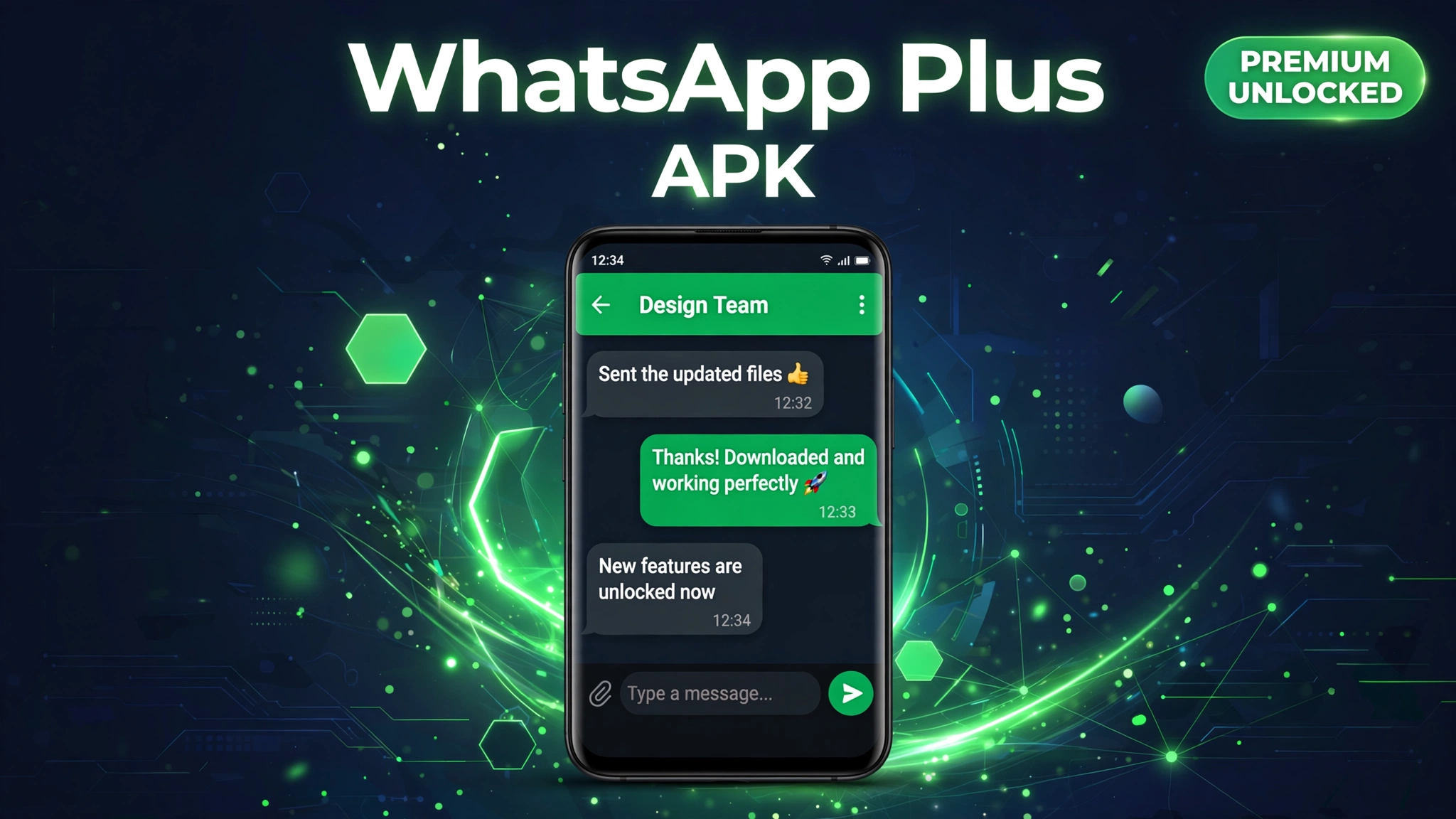
Looking for WhatsApp Plus APK with the latest features? The verified file on this page is v25.8.59 (94.6 MB), the current build, with custom themes, hide blue ticks and online status, anti delete messages, extended media sharing, app lock, and anti ban protection. Tap the green download button below; it takes you to our timer page, which hands you the verified file after a short countdown.
If you are new to modified apps, it is worth reading what a mod APK actually is before installing one, and our guide on whether mod APKs are safe explains the precautions that matter. An honesty note: competitor pages cannot agree on the basics, claimed versions range from an ancient v6.60 to v18.80 at 125 MB, and some download buttons route through ad laden link shorteners instead of the file. We followed a real competitor download path, downloaded the actual file, and verified it: it is the genuine WhatsApp Plus v25.8.59 APK (94.6 MB, PK signed archive), not a renamed file or an HTML error page.
Quick Answer: WhatsApp Plus Mod APK v25.8.59 unlocks custom themes, hide blue ticks and hide online status & freeze last seen that the free official version keeps behind a paywall. The download on this page is the verified 94.6 MB build for Android 5.0 or above. This article covers its features, requirements, install steps, pros and cons, and safety advice.
What Is WhatsApp Plus?
WhatsApp Plus is a modified build of the official WhatsApp messenger, originally created by developer Rafalete and maintained today by the modding community. It runs the same core messaging as WhatsApp, chats, voice and video calls, groups, statuses, but layers on customization and privacy controls the official app refuses to add: hundreds of installable themes, font and chat bubble restyling, hidden online status and blue ticks, frozen last seen, anti delete for messages and statuses, larger media uploads, and a built in app lock. It is one of the most downloaded WhatsApp mods worldwide, especially in Latin America, Pakistan, India and the Middle East.
Because it is a third party mod, WhatsApp Plus is not on the Google Play Store and must be sideloaded. Important up front: WhatsApp’s owner Meta does not authorize unofficial clients, and accounts caught using them can receive temporary or permanent bans. WhatsApp Plus ships anti ban protection that lowers the risk, but no mod removes it completely, the safety section below explains how to protect yourself.
Mod Features
- Custom themes: hundreds of themes change colors, chat bubbles, fonts and the home layout in seconds.
- Hide blue ticks: read messages without the sender seeing double blue check marks; hide typing and recording indicators too.
- Hide online status & freeze last seen: appear offline while you chat, with your last seen locked to a fixed time.
- Anti delete messages & status: deleted messages and statuses stay visible to you.
- Hide view status: watch others’ status updates without appearing in their viewer list.
- Extended media sharing: send photos in original quality and much larger files than the official limits.
- Built in app lock: PIN, pattern or fingerprint lock for the app and for individual hidden chats.
- Anti view once: open view once photos and videos more than once.
- Status downloader: save friends’ status photos and videos directly.
- DND mode: cut WhatsApp’s internet while the rest of your apps stay online.
- Anti ban protection: lowers (but does not eliminate) the chance of an account ban.
- Message scheduler & auto reply: schedule messages and auto answer incoming chats.
⬇ Download WhatsApp Plus Mod APK
How to Download & Install
- Back up your chats first: in official WhatsApp go to Settings → Chats → Chat backup and save a local backup.
- Tap the green Download WhatsApp Plus Mod APK button above.
- You will land on our apkal.com/download/ timer page showing the app name (WhatsApp Plus Mod APK), version (v25.8.59) and size (94.6 MB).
- A 10 second countdown runs; when it finishes, the APK file starts downloading automatically. Use WiFi, it is a 94.6 MB file.
- Enable install from unknown sources in Settings for your browser or file manager.
- If official WhatsApp is installed, uninstall it first (or the mod build will refuse to install over it), your local backup from step 1 is what preserves your chats.
- Open the downloaded APK from your Downloads folder, tap Install, and wait for it to finish.
- Open the app, enter your phone number, verify with the OTP, and tap Restore when it offers your local backup.
For a more detailed walkthrough, see our full how to install mod APK guide.
System Requirements
WhatsApp Plus is a light app that runs on almost any Android phone, including older budget devices. Here is what you need:
- Android version: 5.0 (Lollipop) or above.
- Storage: at least 300 MB free space (the APK is 94.6 MB; chat media grows over time).
- RAM: 2 GB minimum, 3 GB or more recommended.
- Internet: needed for messaging and calls; setup OTP requires a working SIM.
- Architecture: armv7 and arm64 both supported.
Pros & Cons
Pros
- Hundreds of themes and deep customization the official app will never offer.
- Real privacy controls: hide blue ticks, online status, typing indicators, and status views.
- Anti delete messages and statuses; status downloader built in.
- Send larger files and original quality photos.
- App lock with PIN, pattern or fingerprint, no separate locker app needed.
Cons
- Ban risk: Meta can temporarily or permanently ban accounts on unofficial clients, even with anti ban protection.
- Not on the Play Store; you must sideload and enable unknown sources.
- Google Drive chat backups do not transfer, you must use a local backup when switching.
- No automatic updates, download new versions manually.
- Not affiliated with WhatsApp or Meta; support is community only.
WhatsApp Plus Mod vs Original
| Feature | Original WhatsApp | WhatsApp Plus Mod APK |
|---|---|---|
| Price | Free | Free |
| Themes | Light / dark only | Hundreds of custom themes, fonts, bubbles |
| Hide blue ticks / online status | No | Yes |
| Anti delete messages | No | Yes |
| Media upload size | Limited, compressed | Larger limits, original quality |
| App lock | Not built in | PIN / pattern / fingerprint built in |
| Status downloader | No | Yes |
| Account safety | Full, official support | Ban risk, use a secondary number |
| Availability | Google Play | This page (verified file) |
| Updates | Automatic | Manual download |
Common Errors & Fixes
“Temporarily banned” message: Meta has flagged the number for using an unofficial client. Wait out the timer on a secondary number; repeated flags can become permanent. This is the main risk of any WhatsApp mod.
“App not installed”: official WhatsApp is still on the phone. Uninstall it completely (after a local backup), enable unknown sources, and install the mod APK fresh.
OTP not received: confirm the SIM is active in this phone and has signal; wait a few minutes and request “call me” instead of SMS if needed.
Chats did not restore: Google Drive backups do not work with modded builds. Only a local backup restores, it must be in internal storage before you open the app for the first time.
Play Protect warning: expected for any sideloaded APK. Proceed only if you downloaded this verified v25.8.59 file from this page, and scan it with an antivirus after installing.
Anti ban feature not visible / old version errors: update to this verified v25.8.59 build, ban issues and login fixes ship with new versions.
Is It Safe?
Read our in depth guide on mod APK safety before installing. For WhatsApp Plus, the main risk is account level, not device level: Meta actively issues temporary and permanent bans against unofficial clients, and anti ban protection only lowers the odds. Use a secondary phone number, never your main one. The file served here was downloaded and verified as the genuine v25.8.59 package (94.6 MB, valid APK archive), but it is still unofficial, scan it with Play Protect or an antivirus first, and never grant permissions the messenger does not need. For background on how these mods work, see what is a mod APK.
FAQs
What is the latest version of WhatsApp Plus APK?
The verified file on this page is v25.8.59 (94.6 MB), updated October 2026. Many sites still list v18.80 or even older builds with inconsistent sizes, always check the actual file version.
Will my WhatsApp account get banned for using WhatsApp Plus?
There is a real risk, Meta bans accounts on unofficial clients, temporarily or permanently. The anti ban feature in v25.8.59 reduces the chance, but no mod eliminates it. Use a secondary number and avoid spam like activity.
Why do different sites show different versions (v18.80 vs v25.8.59)?
WhatsApp mod version numbering is fragmented across distributors, and many pages keep stale version info long after new builds release. The v25.8.59 file on this page was downloaded and byte verified, the size and version here are the honest, current ones.
Can I use WhatsApp Plus and official WhatsApp on the same phone?
Only with two different phone numbers, the mod installs over the same package slot as official WhatsApp, so you must uninstall the official app first. With dual SIM phones and a second number, both can run.
How do I transfer my chats from official WhatsApp to WhatsApp Plus?
Make a local chat backup in official WhatsApp (Settings → Chats → Chat backup), uninstall the official app, install WhatsApp Plus, verify your number, and tap Restore. Google Drive backups will not restore in a modded build, only the local backup works.
How do I update WhatsApp Plus Mod APK to a newer version?
Come back to this page and download the latest build listed here, then install it over your current copy. Your app data usually stays in place. If the new build refuses to install, remove the old copy first and then install fresh.
Is WhatsApp Plus Mod APK free to use?
Yes. The mod on this page is free to download and use, and its premium features are unlocked without a subscription. You only need an Android phone and enough storage space for the file.
More Mods You May Like
Into modded social apps? Also try InstaPro APK v15.85 Download (Instagram Pro Mod), Latest for Android, which brings the same customization and privacy treatment to Instagram.
Conclusion
WhatsApp Plus APK v25.8.59 gives you the messenger you already know with the controls Meta never added: themes, hidden blue ticks, frozen last seen, anti delete, bigger file sharing and a built in app lock, in a verified 94.6 MB package that we downloaded and checked ourselves. The one rule that matters: this is an unofficial client, so use a secondary number and keep a local backup, because Meta does ban modded accounts. Hit the green button above to start your 10 second timer and get the verified file.
Disclaimer: WhatsApp Plus Mod APK is a third party modified build and is not affiliated with or endorsed by WhatsApp LLC or Meta. All credits for the original app belong to its developers. Using modified clients violates WhatsApp’s terms of service and can lead to temporary or permanent account bans; use a secondary number at your own risk, and always scan downloaded files with an antivirus before installing.
Key Points
- The latest build covered on this page is WhatsApp Plus Mod APK v25.8.59, with a checked file size of 94.6 MB.
- Its main unlocked features include custom themes, hide blue ticks and hide online status & freeze last seen.
- Your phone needs Android 5.0 or above to install this build.
- The green download button on this page goes through our timer page and starts the checked file.
- Read our mod APK safety guide before installing, and follow the install guide if you get stuck.