Instander Not Working Fix: Login, Downloads and Ghost Mode Errors Solved
Instander Not Working Fix: Login, Downloads and Ghost Mode Errors Solved
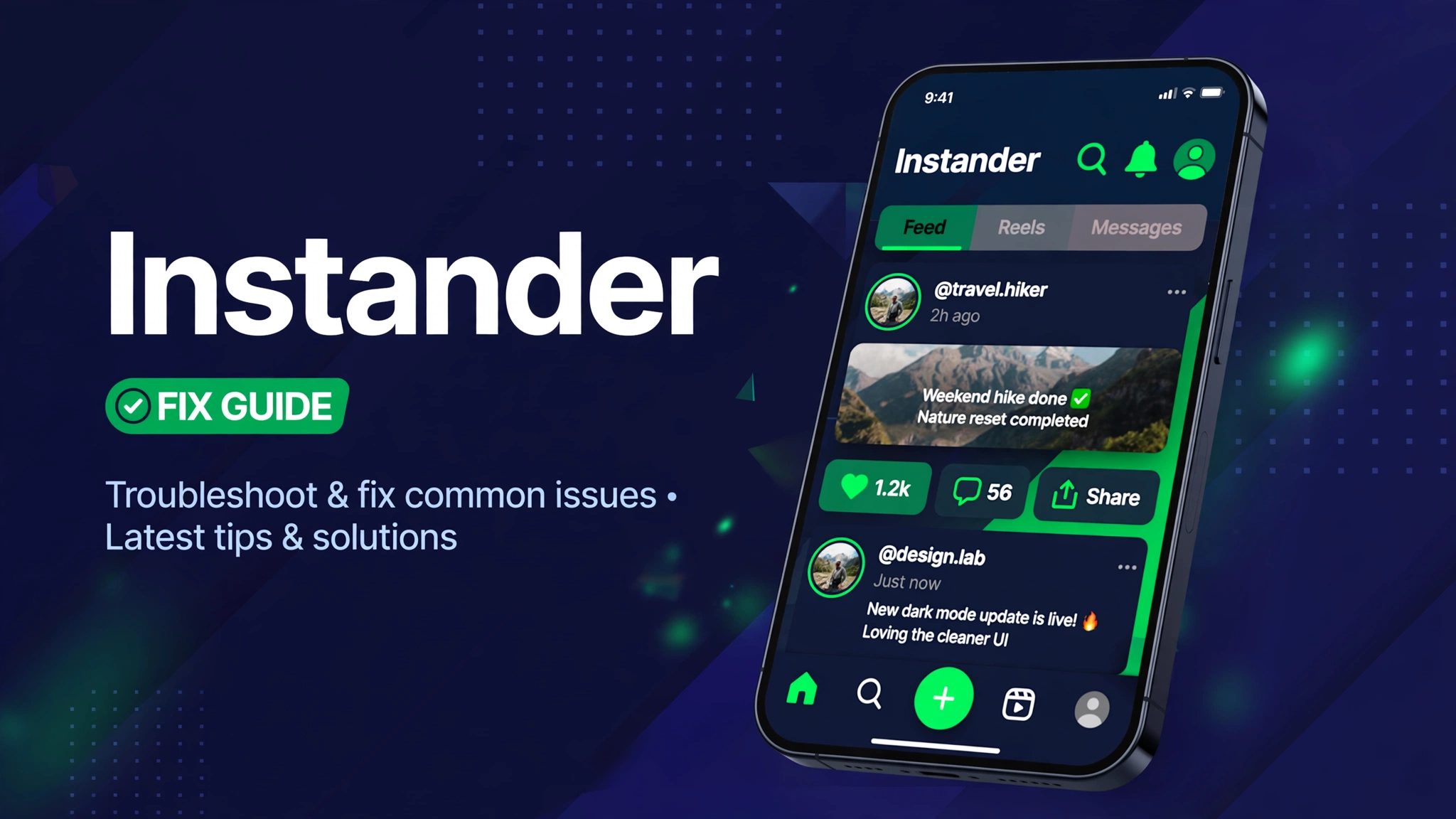
Instander is the Instagram mod for media downloads, ghost mode viewing, quality control, and an ad free feed, built on Instagram features that change often. When it stops working, owners usually see a login failure, downloads that will not save, or ghost mode that stops hiding their activity.
The surprising part is how little search results help for the mod itself. A search for this exact fix returns only official Instagram not working guides, which cover the official app and say nothing about mod specific failures like version mismatch after an Instagram update.
This guide fixes that gap. You get the mod specific causes first, then the fixes in the order you should try them, and the honest rule that every Instagram update can break a mod until its developers ship a matching build.
Instander not working fix means updating to the tracked v19.1 build, signing in again after an Instagram update, checking storage and media permissions for downloads, and testing ghost mode on a fresh session. Most mod failures come from version mismatch after Instagram updates, not from your phone settings.
What Is This App
Instander is an Instagram mod app that adds media downloads, ghost mode for stories and messages, higher media quality, and an ad free feed to the Instagram experience. The tracked build in this article is v19.1, about 57.3 MB, from the Instander source page.
Mods like Instander break in a special way. Instagram updates its official app and its servers often, and a mod built for an older Instagram version can lose login, downloads, or ghost mode overnight, even when your phone is fine.
Official Instagram guides cannot fix those mod failures, because they assume the official app. This guide covers the mod side: version mismatch, session loss, permission loss after updates, and ghost mode limits that look like bugs but are really Instagram changes.
Mod Features
- Media downloads Save photos, videos, reels, and stories to your phone.
- Ghost mode View stories and read messages without marking them seen.
- No ads Browse the feed without sponsored interruptions in the mod build.
- Quality control Download media at full quality instead of compressed copies.
- Story tools Story viewing and saving tools beside the normal feed.
Tap the button to open the Apkal download page. A 10 second timer runs first, then your download starts.
How to Download and Install
- Update Instander to the tracked v19.1 build from this article before you try anything else.
- Sign out fully, then sign in again, because sessions break after Instagram updates.
- Force stop Instander, then reopen it and test the feed before you test downloads or ghost mode.
- Open Settings, then Apps, then Instander, then Permissions, and allow storage and media access.
- Open Settings, then Apps, then Instander, then Storage, and tap Clear Cache. Do not tap Clear Data yet.
- Test ghost mode on a fresh session after login, not on a session that was open before the update.
- If nothing works, uninstall Instander, restart your phone, then install the tracked build cleanly and sign in again.
If your phone rejects the install, remove the old Instander build first, because a mod build cannot install over a store build with a different signature. Never sign in with your main Instagram account on a mod if you can avoid it, because mod use can lead to account warnings.
System Requirements
| Item | Requirement |
|---|---|
| Operating system | Android 5.0 or newer |
| Free space | At least 300 MB for the app and saved media |
| Connection | WiFi or mobile data stable enough for media downloads |
| Permission | Install from unknown sources, storage and media access |
| Tracked build | Instander v19.1, about 57.3 MB |
Pros and Cons
Pros
- Media downloads the official app does not offer
- Ghost mode for stories and messages
- Full quality downloads instead of compressed copies
- Ad free feed in the mod build
Cons
- Breaks after Instagram updates until a matching build ships
- Mod use can lead to account warnings
- Official guides do not cover mod failures
- Ghost mode can stop working when Instagram changes its read receipts
Mod vs Original
| Feature | Mod version | Original version |
|---|---|---|
| Problem | Instander mod fix | Official Instagram guide |
| Login fails after update | Update mod, sign in again | Update official app only |
| Downloads will not save | Check mod permissions and storage | Check connection only |
| Ghost mode stops working | Wait for matching mod build | Not a feature, no fix |
| Feed will not load | Update mod to match Instagram | Clear cache, reinstall official app |
Common Errors and Fixes
Login fails or loops
Sign out fully, update to v19.1, and sign in again on a stable connection. Do not retry a broken session ten times.
Downloads will not save
Allow storage and media permissions, check free space, and test one photo before a large batch.
Ghost mode stops hiding activity
Test on a fresh session after login. If it still fails, Instagram likely changed read receipts and the mod needs a matching build.
App crashes after an Instagram update
Update Instander to the matching build, clear the cache, and reinstall cleanly if the crash continues.
Is It Safe
Only download from a source you trust and check the app permissions before you install. The guide Is Mod APK Safe explains the basic safety checks you should run first.
A mod build is not the official app and it is not on the Play Store. Read What Is a Mod APK first, then follow How to Install Mod APK so the install goes smoothly.
Related Articles
FAQs
Why is Instander not working after an Instagram update?
Mods are built for a specific Instagram version. When Instagram updates, the mod can lose login, downloads, or ghost mode until a matching build ships.
Why do search results show only official Instagram guides?
Official guides cover the official app only. They say nothing about mod version mismatch, which is the main Instander failure cause.
What version should I use?
The tracked build in this article is Instander v19.1, about 57.3 MB.
Why do downloads fail even with good WiFi?
Check storage and media permissions first. Updates often reset permissions, so a mod that worked yesterday can lose download access today.
Is ghost mode broken or just changed?
Test on a fresh session after login. If it still marks stories seen, Instagram likely changed read receipts and the mod needs an update.
Should I use my main Instagram account?
Avoid it if you can. Mod use can lead to account warnings, so an alternate account is safer.
Does clearing cache delete saved media?
No. Clear Cache only removes temporary files. Saved media stays in your gallery.
What if a clean install still fails?
Wait for a matching mod build after the latest Instagram update, and check the Instander source page for a newer version.
Conclusion
Instander not working is usually version mismatch after an Instagram update, a lost session, or a permission reset, and each cause has a short fix in this guide. Official Instagram guides will not help, because they assume the official app.
Update to the tracked v19.1 build, sign in fresh, check permissions, and test ghost mode on a new session. If those steps fail, wait for a matching mod build instead of reinstalling the same broken version again.
Key Points
- Tracked build v19.1, about 57.3 MB
- Instagram updates break mods until a matching build ships
- Official guides do not cover mod failures
- Check storage and media permissions after every update
- Use an alternate account, not your main account
References
Disclaimer: this article is for information only. Mod builds are not official products, and all content rights belong to their owners.