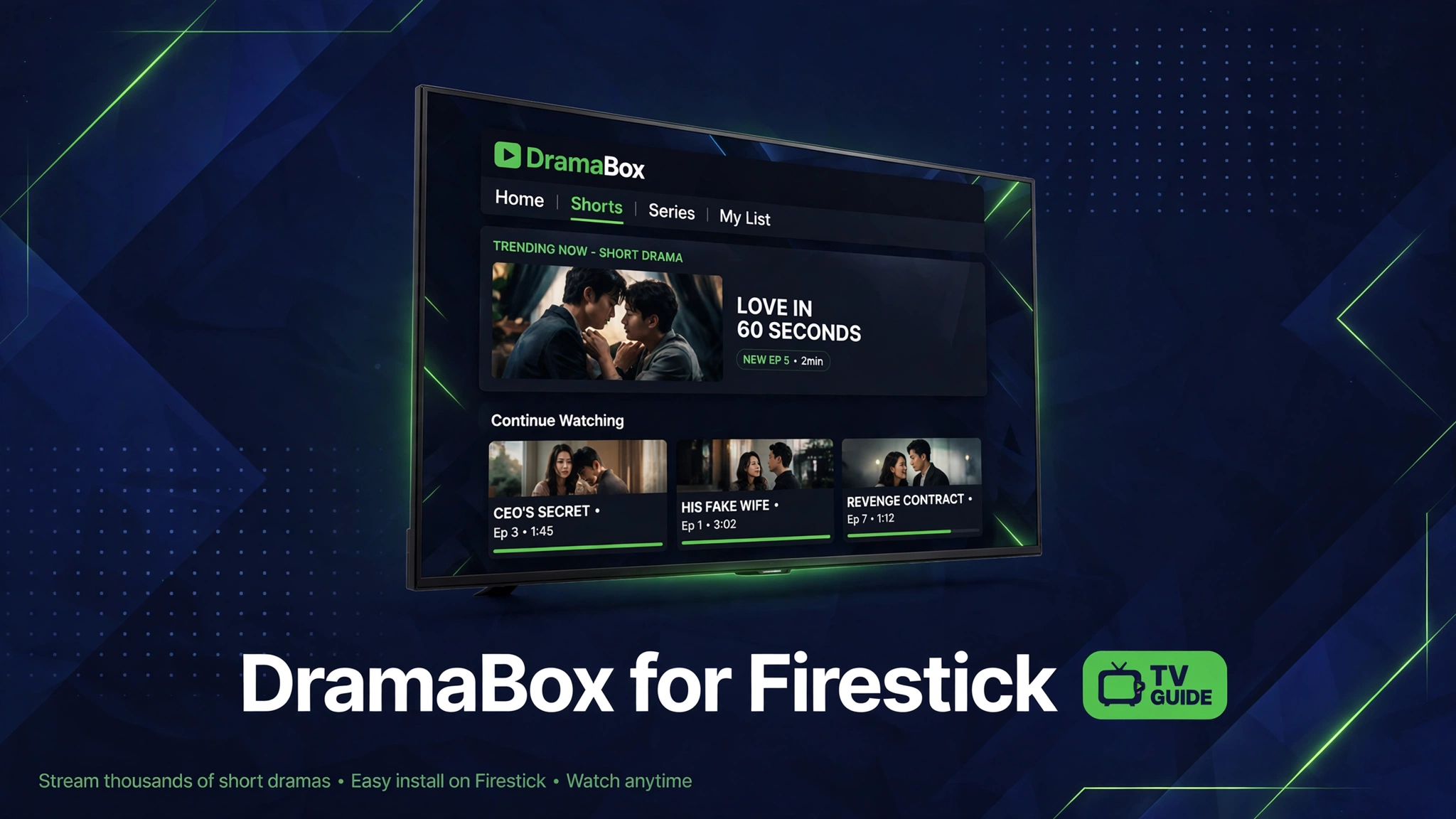
DramaBox for Firestick: Sideload and Watch Short Dramas on TV
DramaBox on a phone is easy, but on a TV it needs a sideload, and most guides skip the Firestick menus entirely. Users get stuck at unknown sources, at Downloader, or at a video that looks small on TV.
There is no DramaBox in the Amazon Appstore, so the TV path is Downloader plus a manual APK install. The steps are simple once they are written for Fire TV menus.
This DramaBox for Firestick guide covers the full sideload, remote controls, vertical video on TV, and the TV fixes users actually need.
Quick Answer
DramaBox for Firestick works by sideloading the DramaBox APK with the Downloader app, because there is no Amazon Appstore version. Turn on unknown sources for Downloader, install the APK, and watch on your TV. Open the app from Your Apps, use the remote direction pad, and expect side bars on vertical episodes.
What Is This App
DramaBox for Firestick means watching short dramas on a TV instead of a phone. DramaBox is built for vertical phone screens, so the TV setup needs a sideload, which is a manual install outside the Amazon Appstore.
There is no DramaBox app in the Amazon Appstore. You install it with the Downloader app, the same tool used for most Firestick sideloads, and you control it with the Fire TV remote.
This guide covers the full Firestick path: Downloader setup, unknown sources, APK install, remote controls, and the fixes for the TV problems users actually hit.
Key Features
- Watch short dramas on a full TV screen with the Fire TV remote.
- Same DramaBox catalog and watchlist as the phone app.
- Downloader sideload steps written for Firestick menus, not phone menus.
- Remote control tips for vertical video on a horizontal TV screen.
- TV specific fixes for install blocks, remote issues, and playback errors.
Download
How to Download and Install
- Open Firestick Settings, My Fire TV, Developer Options, and turn on Apps from Unknown Sources. On newer Fire TV versions, turn it on for the Downloader app specifically.
- Install the Downloader app from the Amazon Appstore, then open it and allow storage permission when asked.
- Tap Download Now on this page from a phone or computer and note the file, or open Downloader on the Firestick and enter the download page address from this article.
- In Downloader, download the DramaBox APK file, tap Install when prompted, then tap Done. Do not tap Open yet if you want to delete the APK file first.
- Open DramaBox from Your Apps on the Firestick home screen. Use the remote direction pad to browse, the center button to select, and the back button to return.
- For vertical episodes on a TV, use full screen playback and sit back from the screen. Vertical video shows side bars on a TV, and that is normal, not an error.
System Requirements
| Requirement | Minimum | Recommended |
|---|---|---|
| Device | Fire TV Stick or Fire TV Cube | Fire TV Stick 4K or 4K Max |
| Internet | Stable WiFi | Stable broadband WiFi |
| Storage | 200 MB free | 500 MB free or more |
| Tool | Downloader app from Amazon | Downloader app from Amazon |
| Remote | Fire TV remote | Fire TV remote with voice |
Pros and Cons
| Pros | Cons |
|---|---|
| Short dramas on a big TV screen | No official Amazon Appstore version |
| Same catalog as the phone app | Vertical video shows side bars on TV |
| Free sideload with Downloader | Sideload needs unknown sources on |
| Remote friendly browsing | Remote typing is slow for search |
| No phone battery drain while watching | Mod builds need manual updates on TV |
Mod Version Compared With the Original
| Feature | Original App | Mod Version |
|---|---|---|
| Screen | Vertical phone screen | TV screen with side bars |
| Control | Touch and swipe | Remote direction pad |
| Install | Store or APK on phone | Downloader sideload on TV |
| Battery | Phone battery drains | TV power, no battery worry |
| Updates | Store or manual on phone | Manual reinstall on TV |
Watching Vertical Drama On A TV
DramaBox episodes are shot vertical, so on a TV they fill the height and leave bars on the sides. That is the normal look, and no setting turns a vertical episode into a full width TV show.
Sit farther back than you would for a phone, and use full screen playback. The story still reads clearly, and subtitles stay readable at TV distance.
If side bars bother you, cast from your phone instead. Casting keeps the phone layout and mirrors it, but the TV still shows the same vertical frame.
Related Guides
Common Errors and Fixes
- Install blocked on Firestick: check that Apps from Unknown Sources is on for Downloader, then try again. Newer Fire TV versions need this per app, not globally.
- Downloader will not download the file: check WiFi on the Firestick, restart the Firestick, and re enter the download address carefully.
- App not found after install: open Settings, Applications, Manage Installed Applications, and look for DramaBox there. Firestick sometimes hides sideloaded apps from the main row.
- Video plays sideways or small: that is vertical video on a horizontal TV. Use full screen playback and accept side bars, or cast from a phone instead.
- Remote will not scroll: use the direction pad, not the touch pad. If the remote lags, replace batteries and restart the Firestick.
Safety Note
Sideloading means installing outside the Amazon Appstore, so only use a file you trust and scan it before installing. Turn unknown sources back off for apps you do not use, and never enter payment details into a mod build on a TV. Read Is Mod APK Safe before sideloading.
Frequently Asked Questions
Is DramaBox available on Firestick?
No, DramaBox is not in the Amazon Appstore. You sideload it with the Downloader app after turning on Apps from Unknown Sources for Downloader.
How do I install DramaBox on Firestick?
Install Downloader from the Amazon Appstore, turn on unknown sources for Downloader, download the DramaBox APK in Downloader, install it, then open it from Your Apps.
Why is DramaBox video small on my TV?
DramaBox episodes are vertical phone videos, so they show side bars on a horizontal TV. That is normal. Use full screen playback for the largest picture.
Can I use the Firestick remote for DramaBox?
Yes. Use the direction pad to browse, the center button to select, and the back button to return. Remote typing is slow, so browse categories instead of typing long searches.
Why will Firestick not install DramaBox?
Unknown sources is usually off for Downloader. Turn it on in Settings, My Fire TV, Developer Options, or per app on newer Fire TV versions, then retry the install.
Does DramaBox for Firestick need a mod?
The Firestick install uses the same APK file as the phone. The mod build on this page is version 7.0.0, and it needs manual updates on TV just like on a phone.
Is sideloading DramaBox on Firestick safe?
Sideloading carries more risk than the Amazon Appstore, so only use a trusted file and scan it first. Turn unknown sources off for apps you do not use.
Conclusion
DramaBox for Firestick is a simple sideload once you follow Fire TV menus: unknown sources on, Downloader installed, APK installed, app opened from Your Apps. Expect side bars on vertical episodes, and update the build manually on TV.
Key Points
- No Amazon Appstore version exists, so sideloading is required
- Downloader is the standard Firestick sideload tool
- Turn on unknown sources for Downloader specifically
- Vertical episodes show side bars on a TV
- The tracked build is 7.0.0 at 118.85 MB

2 Comments