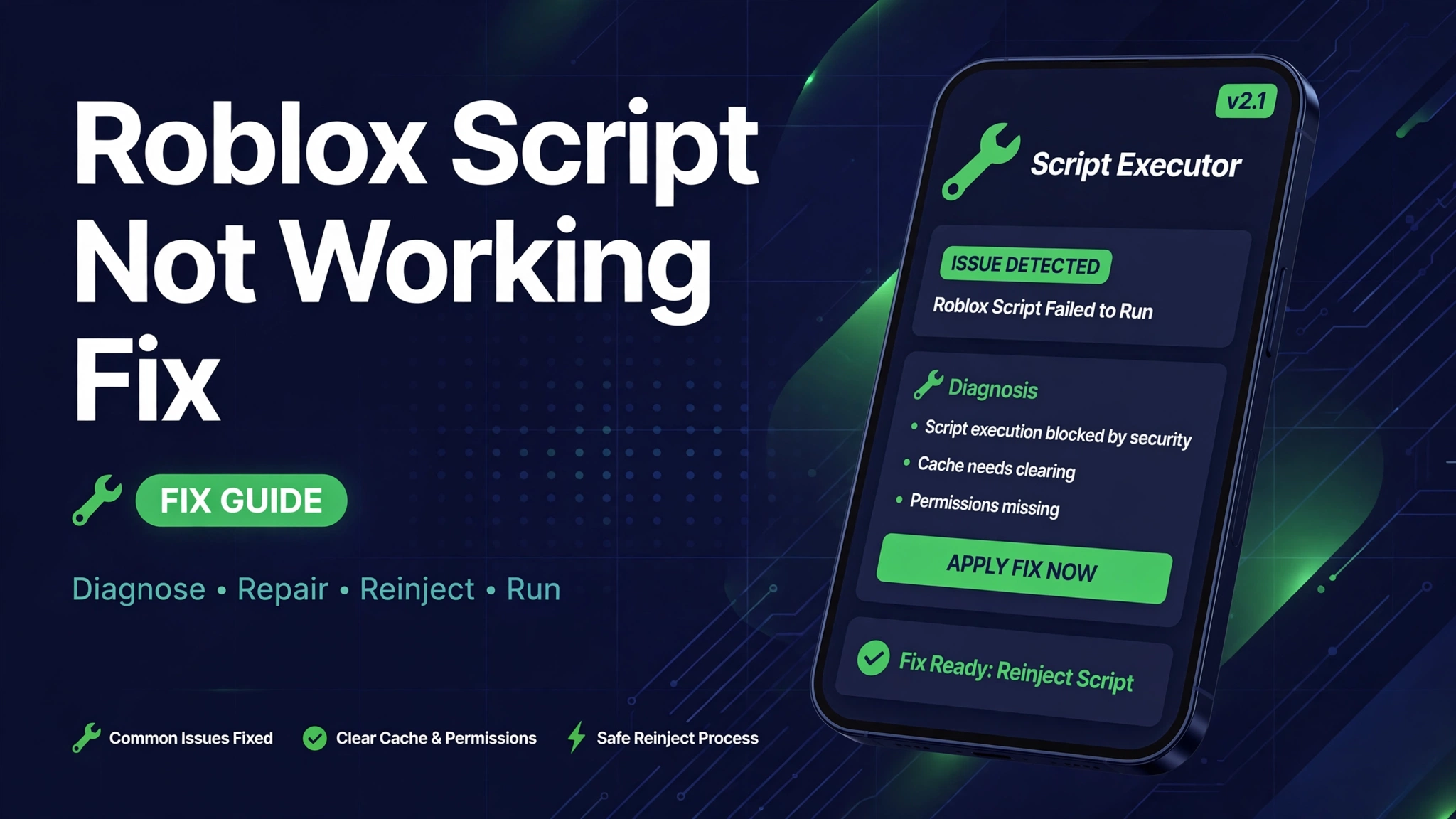
Roblox Script Not Working Fix: Executor and Script Errors Solved
A Roblox script fails in many small ways. Sometimes the executor will not attach, sometimes the menu never loads, and sometimes the script runs but nothing happens in game.
Most failures share a few causes: a Roblox update broke the executor build, the script link is old, the key expired, or the executor and the game version no longer match.
This Roblox script not working fix guide walks through each failure in order, from attach errors to silent script failures, so you can find the real cause instead of reinstalling everything blindly.
Quick Answer
Roblox script not working fixes start with matching versions: update Roblox and your executor together, then copy the newest script link and test on an alt account. If attach fails, restart both apps; if the menu never loads, switch to a fresh hub link; if a key prompt appears, get a fresh key or switch to a no key hub.
Why Roblox Scripts Stop Working
Roblox updates its client often, and every update can break executor builds overnight. When the executor build is older than the Roblox build, attach fails or scripts run with missing functions.
Script hubs also change links after game updates. An old link may load an old script version that no longer matches the current game, so the menu opens but features do nothing.
Key systems add a third failure type. A key from yesterday can expire today, and a hub that was keyless last week can add a key system after an update.
Fix Executor Attach Errors
- Close Roblox and the executor fully, then reopen Roblox first and join a game before you attach.
- Update the executor to the newest build that matches the current Roblox version.
- If attach still fails, restart your device, then attach again after the game has fully loaded.
- On PC, run the executor as administrator and add its folder to your antivirus exclusions, since security tools often block injection.
- On mobile, reinstall the executor build from its official page if attach fails after a Roblox update.
Fix Scripts That Load But Do Nothing
- Copy the newest script link from the hub page. Old links are the top cause of silent failures.
- Turn on one feature at a time. If one feature breaks the script, the rest of the menu can fail with it.
- Check that you joined the right game. Many hubs load a menu for every game, but features only work in the game they were built for.
- Lower graphics and close background apps, since low memory can kill script features mid session.
- Try a different hub for the same game. Hubs do not all break on the same day after an update.
Fix Key and Verification Errors
If a script asks for a key, get a fresh key through the hub key flow, or switch to a no key hub for the same game. Never pay for a key, and never enter your Roblox password on a key page.
If the key page loops without giving a key, the hub key system may be down. Wait for the hub to update, or switch hubs instead of repeating the same broken flow.
If a script worked yesterday and asks for a key today, the hub added a key system in an update. That is normal hub behaviour, not an account problem.
Fix Crashes, Freezes, and Lag
| Symptom | Likely Cause | Fix |
|---|---|---|
| Game crashes on execute | Too many features at once | Execute with one feature, then add more slowly |
| Freeze after injection | Old executor build | Update executor and Roblox together |
| Heavy lag in game | ESP plus speed tools together | Turn off ESP or lower graphics |
| Menu opens then vanishes | Game update broke the hub | Switch to a newer hub link |
| Executor closes itself | Antivirus quarantine | Add the executor folder to exclusions |
System Requirements
| Requirement | Minimum | Recommended |
|---|---|---|
| Device | Android phone or PC | Android phone with Delta or PC |
| Executor | Working mobile executor | Latest Delta build |
| Roblox | Current Roblox app | Current Roblox app |
| Account | Alt account for testing | Alt account, never your main |
| Internet | Stable connection | Stable WiFi, low ping |
Pros and Cons of Script Troubleshooting
| Pros | Cons |
|---|---|
| Most failures need only an update | Some failures need a hub update you cannot force |
| One feature testing finds bad features fast | Reinstalling blindly wastes time and can break keys |
| Alt account testing protects your main | No fix guarantees a script after the next update |
Common Errors and Fixes
- Attach failed: restart Roblox and the executor, then attach after the game has fully loaded.
- Menu never loads: copy the newest hub link, since old links are the top silent failure cause.
- Key prompt loop: switch to a no key hub or wait for the hub key system to recover.
- Script runs but features do nothing: check you joined the right game, then test one feature at a time.
- Executor will not open: reinstall the current build from its official page and check antivirus exclusions.
Safety Note
Scripts violate Roblox rules and can lead to temporary or permanent bans. Never run scripts on your main account, never enter your Roblox password on a script site, and never download an executor from a link in a video comment. Read Is Mod APK Safe and What Is a Mod APK before you install any mod app.
Related Guides
- Delta Executor Not Working Fix
- Fluxus Key
- Grow a Garden Script
- Delta Executor APK
- Fluxus Executor APK Download
Frequently Asked Questions
Why is my Roblox script not working after an update?
Roblox updates break executor builds and script links. Update Roblox and your executor together, then copy the newest script link from the hub page.
Why does my executor fail to attach?
Attach fails when versions mismatch, when the game has not fully loaded, or when antivirus blocks injection. Restart both apps, attach after loading, and check exclusions on PC.
Why does my script menu never load?
Old hub links are the top cause. Copy the newest link from the hub page, and if it still fails, switch to a different hub for the same game.
Why does my script ask for a key now?
Hubs add or change key systems after updates, and keys expire. Get a fresh key through the hub flow, or switch to a no key hub.
Why does my script run but do nothing?
You may be in the wrong game, or one feature may be breaking the menu. Test one feature at a time in the right game.
Why does Roblox crash when I execute a script?
Too many features at once, low memory, or an old executor build can crash the game. Execute with one feature, lower graphics, and update the executor.
Should I reinstall everything when a script fails?
No, reinstalling blindly wastes time. Check versions first, then the script link, then one feature at a time, and reinstall only the part that is actually outdated.
Can script errors get my account banned?
Script use itself can lead to bans, which is why every fix in this guide should be tested on an alt account first, never on your main account.
Conclusion
Roblox script failures almost always trace to versions, links, or keys. Match the executor to the current Roblox build, copy the newest hub link, test one feature at a time, and keep every test on an alt account. When a hub itself is broken after an update, switching hubs beats reinstalling everything.
Key Points
- Match executor build to current Roblox build
- Old script links are the top silent failure cause
- Attach after the game has fully loaded
- Key prompts mean a fresh key or a no key hub switch
- Test every fix on an alt account first
References
- Roblox script executor troubleshooting on script hub pages
- Executor attach help on Roblox script sites
- Roblox platform details on Roblox
Disclaimer: Scripts violate Roblox Terms of Service and can lead to bans. This guide explains troubleshooting steps; it does not guarantee any script or executor will work after the next Roblox update.