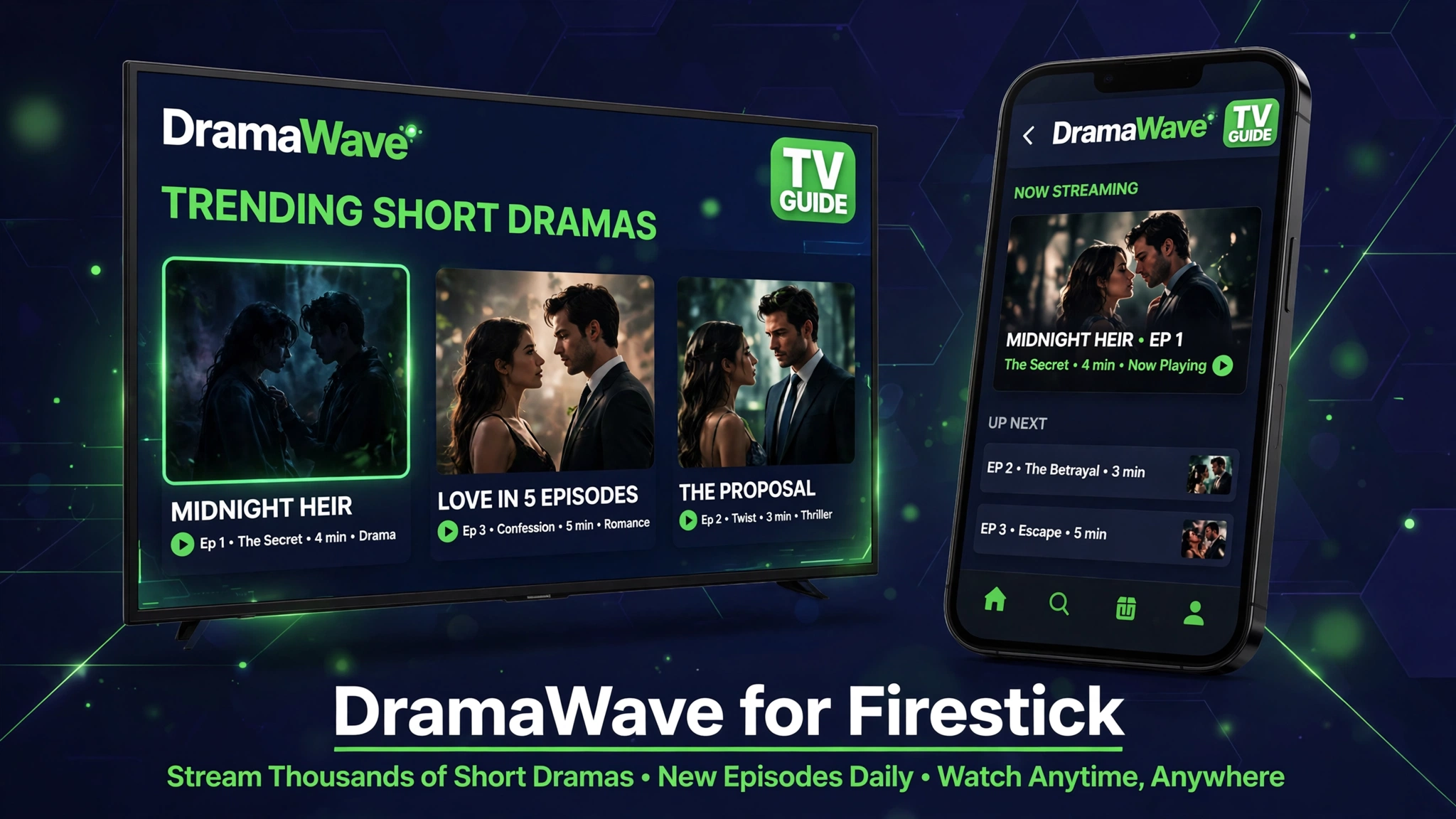
DramaWave for Firestick: Sideload and Watch Short Dramas on TV
DramaWave is built for phones, with vertical episodes that last one to two minutes. On a phone the format works, but on a TV the same stories feel bigger, easier to follow, and better for watching together.
DramaWave has no Fire TV app in the Amazon Appstore, so a Firestick owner cannot just search and install it. The only route is sideloading, which means installing the Android app file on Fire TV by hand.
This DramaWave for Firestick guide covers the sideload steps with the Downloader app, remote control tips for a vertical app on a TV screen, and fixes for the install errors Firestick owners hit most.
Quick Answer
DramaWave for Firestick works by sideloading the Android app on Fire TV with the Downloader app. Install Downloader, allow install unknown apps for Downloader, open the DramaWave file, install it, then open it from your apps list and sign in to watch short dramas on TV.
What Is DramaWave for Firestick
DramaWave for Firestick is the same DramaWave short drama app, installed on Amazon Fire TV instead of a phone. It streams short dramas in episodes of one to five minutes, with romance, revenge, billionaire, and fantasy stories in the lead.
Fire TV runs on Android, so the Android app file can install on it. The app itself is vertical first, so episodes fill the middle of a TV screen with bars on the sides. That is normal for a phone app on TV, and it does not mean the install failed.
How to Install DramaWave on Firestick Step by Step
- Open your Firestick home screen and install the Downloader app from the Amazon Appstore.
- Go to Settings, then My Fire TV, then Developer Options, and turn on Install Unknown Apps for Downloader. On newer Fire OS builds, open About and click your device name seven times to show Developer Options first.
- Open Downloader and allow it to access files on your device when asked.
- Use the download button on this page to start the DramaWave file, or open the file link in the Downloader browser.
- When the download ends, tap Install, then tap Done. Delete the installer file if Downloader asks, to save space.
- Open DramaWave from Settings, then Applications, then Manage Installed Applications, or from your apps list if it appears there. Sideloaded apps do not always show on the home row.
- Sign in, pick your subtitle language, and start a drama to test playback before you settle in.
Watching Vertical Dramas on a TV
Use the Fire TV remote direction pad to swipe between episodes, just as you would swipe on a phone. The select button plays and pauses, and the back button returns to the drama list.
Turn on subtitles in the app if your TV is far from your seat. Short drama dialogue moves fast, and subtitles make it easier to follow plot twists on a big screen.
If the picture looks stretched, check your TV picture size setting and set it to normal or just scan. The app itself does not offer a TV layout, so your TV setting controls how the vertical video fills the screen.
System Requirements
| Requirement | Minimum | Recommended |
|---|---|---|
| Device | Fire TV Stick or Fire TV | Fire TV Stick 4K |
| Storage | 200 MB free | 500 MB free |
| Internet | Stable WiFi | Stable WiFi, 10 Mbps or faster |
| App tool | Downloader app | Downloader app, latest build |
| Account | DramaWave account optional | Account for watch history |
Pros and Cons
| Pros | Cons |
|---|---|
| Short dramas on a big screen | No official Fire TV app exists |
| Same DramaWave library as mobile | Vertical video leaves side bars on TV |
| Downloader install takes minutes | Sideloaded apps can vanish from the home row |
| Remote works for play and navigation | Some episodes still need coins or premium |
Common Errors and Fixes
- App not installed: free up storage, then download the file again, since a partial download fails the install.
- Downloader blocked: turn on Install Unknown Apps for Downloader in Developer Options, then try again.
- App missing from home: check Settings, then Applications, then Manage Installed Applications, and open it from there.
- Buffering on TV: move closer to your router, close other streaming apps, and lower playback quality in the app if the option exists.
- Login fails: check your password on your phone first, then sign in again on TV, since TV keyboards cause typos.
Safety Note
Only install DramaWave from a file you trust, and never enter payment details on a clone download page. DramaWave episodes can include paid unlocks, so check coin prices inside the real app before you buy anything. Read Is Mod APK Safe and What Is a Mod APK before you sideload any app.
Download DramaWave for Firestick
Related Guides
- DramaWave Mod APK
- DramaWave Mod APK Terbaru
- DramaBox for Firestick
- OnStream for Firestick
- PikaShow for Firestick
Frequently Asked Questions
Is DramaWave available on Firestick?
No official DramaWave app exists in the Amazon Appstore. Firestick owners install the Android app file by sideloading it with the Downloader app.
How do I install DramaWave on Firestick?
Install Downloader, allow install unknown apps for Downloader, open the DramaWave file, install it, then open it from your apps list or from Manage Installed Applications.
Why is DramaWave vertical on my TV?
DramaWave is a phone first app with vertical episodes. On TV the video fills the middle of the screen with bars on the sides, which is normal for this app.
Does the Fire TV remote work with DramaWave?
Yes, the direction pad moves between episodes, select plays and pauses, and back returns to the drama list.
Why can I not find DramaWave on my Firestick home screen?
Sideloaded apps do not always appear on the home row. Open Settings, then Applications, then Manage Installed Applications, and launch it from there.
What if DramaWave buffers on Firestick?
Use a stable WiFi connection, close other streaming apps, free up storage, and restart the Firestick if playback still stutters.
Do I need a DramaWave account on TV?
An account is optional for browsing, but it saves your watch history and unlocks across devices when you sign in.
Is sideloading DramaWave on Firestick safe?
Sideloading itself is a normal Fire TV feature, but only install files from sources you trust, and never enter payment details on a clone download page.
Conclusion
DramaWave for Firestick is a sideload job, not a store install, but the steps are short: Downloader, unknown apps permission, install, then launch from your apps list. Expect vertical video with side bars, use subtitles for fast dialogue, and keep the file from a trusted source.
Key Points
- No official Fire TV app, sideload with Downloader
- Allow install unknown apps for Downloader first
- Vertical episodes show side bars on TV, which is normal
- Launch from Manage Installed Applications if it hides from home
- Same DramaWave library and coin unlocks as mobile
References
- DramaWave app details on Uptodown
- DramaWave mod details on GameKiller
- Fire TV sideloading basics on Amazon
Disclaimer: DramaWave is not available in the Amazon Appstore. This guide explains sideloading on Fire TV and does not guarantee any file will work after the next app update.

One Comment