Honista APK v13.0: Instagram Mod With Ghost Mode
Instagram is the app most people open first every morning, yet the official app still blocks the simplest things. You cannot download a reel you love, you cannot watch a story without appearing in the viewer list, and sponsored posts keep filling your feed.
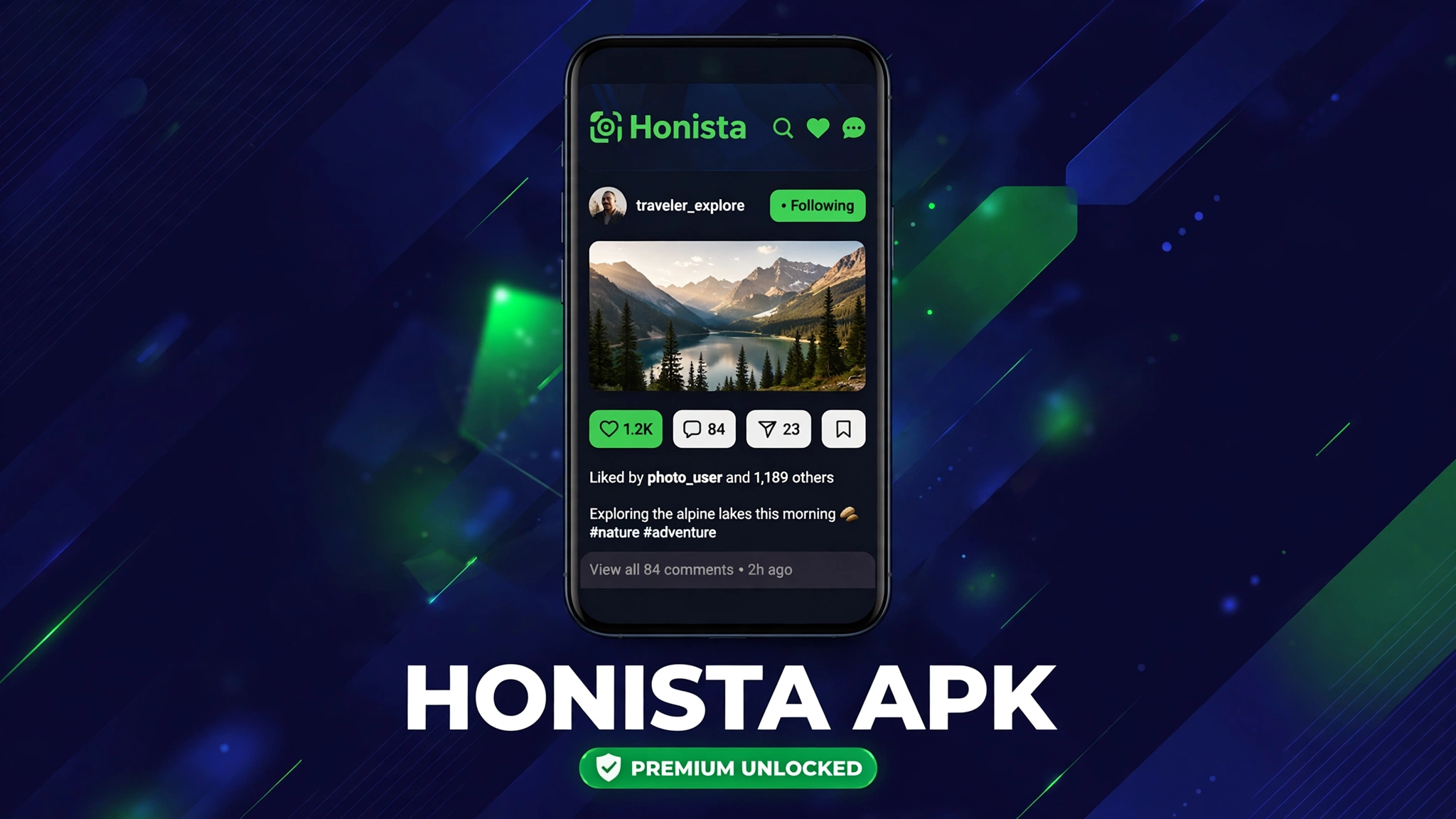
Honista APK is a modified Instagram client that removes those limits. It keeps the familiar Instagram feed, reels, and messages, then adds media downloads, Ghost Mode, custom themes, and an ad free feed in one package.
This guide covers Honista APK v13.0 step by step: what it is, what it changes, how to install it safely, and the account risks you should understand before you sign in.
Quick Answer: Honista APK v13.0 is a modified Instagram client for Android 9 and above on 64 bit phones. It adds media downloads, Ghost Mode for stories and chats, custom themes, and an ad free feed. It is not on Google Play, so you install it as an APK file from a third party source.
What Is Honista APK
Honista APK is a third party Android client built around the Instagram experience. It looks and feels like Instagram, with the same feed, reels, stories, and direct messages, so there is nothing new to learn.
What changes is control. Honista exposes settings the official app hides: download buttons on posts and reels, privacy switches for story views and typing indicators, and dozens of themes for the whole interface.
Honista is not published by Instagram or Meta, and it has never been on Google Play. Google Play rules do not allow apps that repackage another company’s app, so Honista is distributed only as an APK file from third party websites.
Honista Mod Features
Media downloads. Save photos, videos, reels, and stories to your gallery in original quality with one tap. You no longer need a separate downloader app or a screen recording.
Ghost Mode. Watch stories without appearing in the viewer list, read messages without sending a receipt, and hide your typing indicator and online status.
Ad free feed. Sponsored posts, reel ads, and suggested content are removed, so your feed shows only the people and pages you follow.
Custom themes and fonts. Change colors, fonts, and layouts across the whole app. More than 50 themes are included, and you can switch them without restarting the app.
App lock and privacy controls. Lock Honista behind a PIN, pattern, or fingerprint. You can also zoom any profile picture in full size and copy bios, captions, and comments with one tap.
Multi account support. Switch between several Instagram accounts without logging out each time. Each account keeps its own settings and downloads.
Honista Version and Size Chaos Explained
Different Honista pages list very different file sizes for the same v13.0 release: 94 MB on some pages, 105 MB on others, and 152.9 MB on the first party release page. That chaos confuses many users.
The 152.9 MB figure comes from the first party release page, which lists v13.0 for Android 9 and above on 64 bit hardware, with the file hosted on the first party file host. Smaller figures usually come from older builds, repacked copies, or pages that copied an old table without updating it.
Before you install any copy, compare three things: the version label v13.0, the 152.9 MB size, and the 64 bit requirement. A file that fails any of those checks deserves a second look, not a blind install.
v13.0 · 152.9 MB · Android 9 and above, 64 bit
Note on this download: the button opens the source page for v13.0, which runs its own short source check before the file download starts. This article is marked as a fallback download because the first party file host did not return a directly verifiable file in our check, so the source page is the safest route to the same release.
How to Download and Install Honista APK
- Download the file. Tap the green button above. The timer page opens and the source page opens after the 10 second countdown.
- Allow installs from your browser. When Android asks, allow your browser to install unknown apps. Grant this permission only to the browser you used.
- Check the file before you open it. Confirm the name, the v13.0 label, and the 152.9 MB size. If any of them look wrong, stop and download again.
- Install Honista. Open the downloaded file and tap Install. Honista installs beside the official Instagram app, so you do not need to remove Instagram first.
- Sign in and set Ghost Mode. Sign in with your Instagram account, then open Honista settings and turn on the Ghost Mode switches you want before you browse stories.
See how to install mod APK for the general install guide, and read Insta Pro APK if you want to compare another popular Instagram mod.
System Requirements
Honista v13.0 needs Android 9.0 or newer and a 64 bit processor. Most phones sold in the last five years meet both requirements, but older 32 bit phones cannot run this build.
You also need about 200 MB of free storage for the installer plus the installed app, and a stable internet connection for the first sign in. No root access is needed at any step.
Pros and Cons
Pros. Real media downloads in original quality, strong privacy controls with Ghost Mode, a fully ad free feed, deep theme customization, and side by side install with official Instagram.
Cons. Not on Google Play, so updates are manual. Modified clients carry account risk, and some builds on clone sites are repacked or outdated. The 64 bit only requirement also excludes older phones.
Honista vs Official Instagram
| Feature | Official Instagram | Honista APK |
|---|---|---|
| Media downloads | Not included | Built in, one tap |
| Ghost Mode | Not included | Stories, chats, typing hidden |
| Ads in feed | Sponsored posts and reel ads | Removed |
| Themes | Basic look only | 50 plus themes and fonts |
| Google Play listing | Yes | No, APK only |
| Account risk | None | Possible restriction for mod use |
Common Errors and Fixes
App not installed. This usually means the file did not download fully, or your phone is 32 bit. Check the file size first, then confirm your phone is 64 bit before you try again.
Honista will not sign in. Instagram sometimes blocks sign ins from modified clients for a short time. Wait a few hours, make sure your internet connection is stable, and never enter your password on a page that is not the Honista sign in screen.
Stories still show you as a viewer. Ghost Mode must be on before you open the story. Turn it on in Honista settings, then close and reopen the app before you browse stories.
Download button does nothing. Make sure the post or reel actually exposes a download action in this build. Some account states and some reel formats do not expose one, even in the same version.
Is Honista Safe
Honista is a third party client, so no download page can guarantee it the way Google Play guarantees a store app. Sideloading bypasses store review and automatic updates, which means you carry the checking work yourself.
The larger risk is your account. Instagram terms do not allow third party clients that access the service in unauthorized ways, and Meta can restrict accounts that use them. Normal browsing carries lower risk than bulk downloads or mass follow actions, but the risk never drops to zero.
To lower it, download only from the source page linked above, scan the file before installing, keep a backup of your settings, and never share your password, session files, or recovery codes with any mirror or support account. Read is mod APK safe and what is a mod APK before you decide.
Related Instagram mods on Apkal: GB Instagram APK and Yo WhatsApp APK cover the same privacy and download ideas for Instagram and WhatsApp.
Frequently Asked Questions
Is Honista APK on Google Play
No. Honista has never been on Google Play, because store rules do not allow apps that repackage Instagram. It is distributed only as an APK file.
What is the latest Honista version
The latest listed version is v13.0, a 152.9 MB APK for Android 9 and above on 64 bit phones, with the release page checked in October 2026.
Why do Honista sizes differ across sites
Some pages list older builds or copied tables, so the same v13.0 label appears with 94 MB, 105 MB, and 152.9 MB figures. The first party release page figure is 152.9 MB, and that is the one to compare against.
Can I use Honista beside official Instagram
Yes. Honista installs beside the official app in most cases, so you do not need to remove Instagram first. Keep both until you are sure Honista works on your phone.
Does Honista work on iPhone
No verified first party iOS build is listed for Honista. Treat any IPA file from an unrelated mirror as unverified, and do not sign in through it.
Will Honista get my Instagram account banned
It can. Modified clients break Instagram terms, and Meta can restrict accounts that use them. Normal use carries lower risk than bulk downloads or mass actions, but no mod use is risk free.
Does Honista need root access
No. Honista installs and runs on a normal phone without root, and Ghost Mode, downloads, and themes all work without it.
How do I update Honista
Updates are manual. Download the newest APK the same way, keep the old installer until the new build opens correctly, and use a clean install only if the in place update fails.
Conclusion
Honista APK v13.0 gives Instagram users the controls the official app withholds: real media downloads, Ghost Mode, an ad free feed, and deep themes, all without root and without removing Instagram. The price is manual updates, a 64 bit only build, and a real account risk that every mod user accepts.
If those controls matter more to you than store safety, download v13.0 from the source page above, verify the file before you install it, and turn Ghost Mode on before you browse.
Key Points
- Honista APK v13.0 is a modified Instagram client for Android 9 and above on 64 bit phones.
- It adds media downloads, Ghost Mode, custom themes, and an ad free feed.
- It is not on Google Play and installs only as an APK file.
- The first party listed size is 152.9 MB, while clone pages list smaller figures.
- Modified clients carry account risk, so verify the file and never share credentials with mirrors.
References
- Honista first party release guide, v13.0 details and file host notes
- Google Play Protect official help page
Disclaimer: Honista is a third party app not affiliated with Instagram or Meta. This guide is for information only.