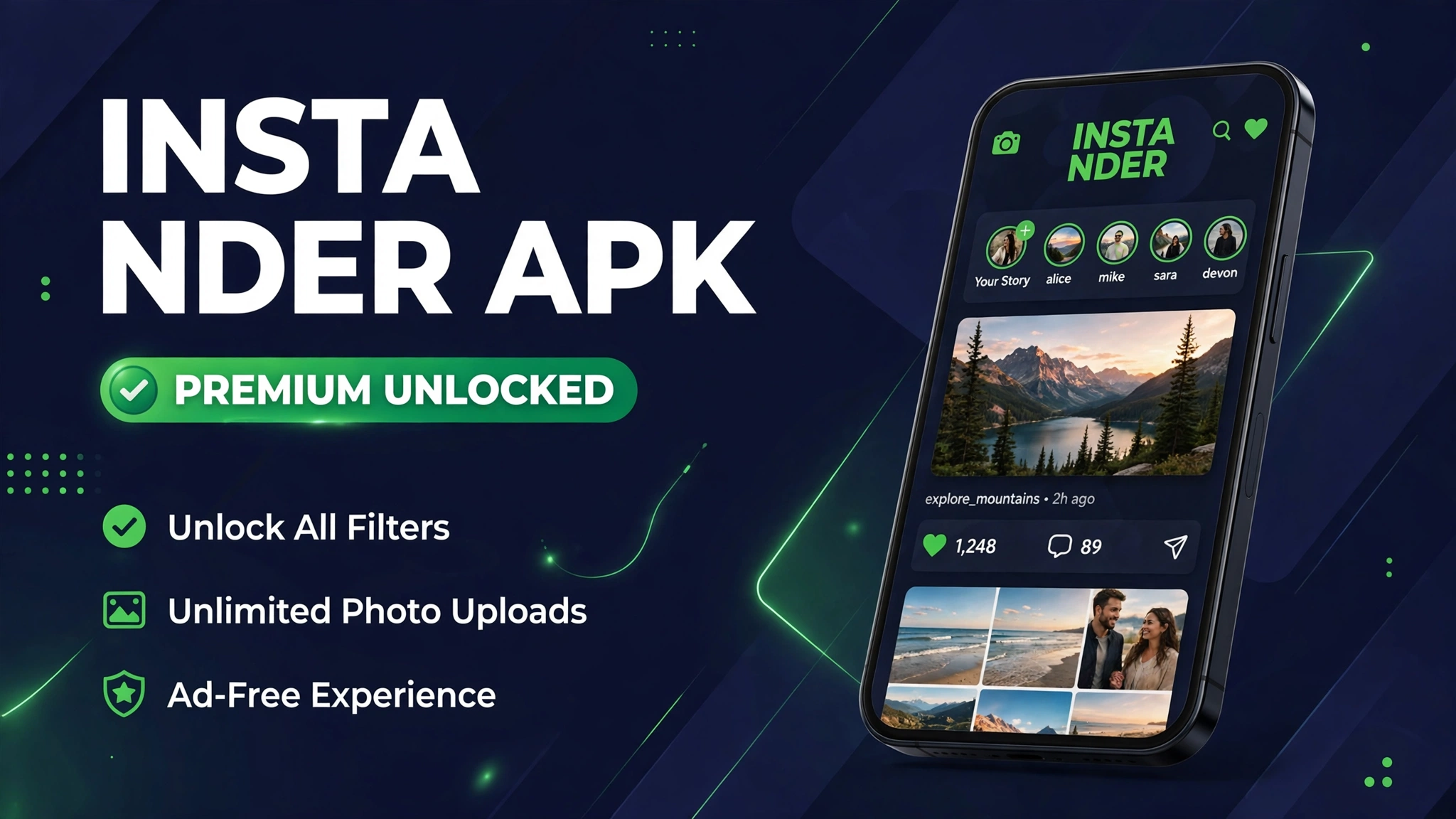
Instander APK v19.1: Media Downloads, Ghost Mode and Ad Control
Instagram lets you watch almost anything, but it will not let you save most of it. A Reel you loved yesterday is gone from your feed today, a Story disappears in a day, and a photo you wanted for reference cannot be downloaded at all.
Instander is the Instagram mod that fixes those limits in one app. It adds media downloads, Ghost Mode for private viewing, and ad controls, while keeping the familiar Instagram feed, Reels, and messages you already know.
This Instander APK guide tracks one build, v19.1 at 57.3 MB, so you know the version, the size, and the source before you install.
Quick Answer
Instander APK v19.1 is the tracked build in this guide. The file is 57.3 MB and needs Android 9.0 or above. It adds photo, video, Reel, Story, and IGTV downloads, Ghost Mode for private story viewing, ad controls, and higher quality uploads. Tap Download Now, wait for the 10 second timer, then install the APK file.
What Is Instander
Instander is a modified Instagram client for Android, built by developer The Dise. It looks and feels like Instagram, with the same feed, Reels, Stories, and direct messages, but it adds tools Instagram itself refuses to ship.
The headline tools are media downloads, Ghost Mode, and quality controls. You can save photos, videos, Reels, and Stories in high quality, view Stories without appearing in the viewer list, and upload photos and Reels with less compression.
Instander is not on the Play Store, so you install it as an APK file and update it by hand. The tracked build here is v19.1 at 57.3 MB, for Android 9.0 or above, with clone and unclone variants explained below.
Mod Features
- Download photos, videos, Reels, Stories, and IGTV clips in high quality with one tap.
- Ghost Mode: view Stories and read messages without showing your activity to others.
- Ad controls that reduce sponsored posts and ads across the feed and Stories.
- Higher quality uploads for photos and Reels, with less compression than the official app.
- Copy bios, comments, and captions, and follow links straight from any post.
- Custom themes and a cleaner feed layout, including the Monet theme option.
- Do Not Disturb mode to silence notifications while you browse.
Download
Tap the button below to open the timer page. After the 10 second timer ends, you are routed to the source page for the tracked v19.1 file.
How to Download and Install
- Tap the Download Now button on this page and wait for the 10 second timer to finish.
- Follow the timer page to the source page and download the v19.1 file.
- Open the downloaded APK file from your notification bar or your Downloads folder.
- Allow installs from your browser only when your phone asks, then tap Install.
- Pick the clone version to keep official Instagram installed, or the unclone version to replace it.
- Open Instander, sign in, and turn on Ghost Mode and download options in settings.
- For the full install walkthrough, read How to Install Mod APK on Android.
Clone Version Compared With Unclone Version
| Feature | Clone Version | Unclone Version |
|---|---|---|
| Package name | com.instander.android | com.instagram.android |
| Official Instagram | Can stay installed | Must be removed first |
| Best for | Second account or testing | Single account replacement |
| Links | Opens inside Instander | Opens like official Instagram |
System Requirements
| Requirement | Minimum | Recommended |
|---|---|---|
| Operating system | Android 9.0 or above | Android 12.0 or above |
| RAM | 2 GB | 4 GB or more |
| Free storage | 300 MB | 1 GB or more |
| Architecture | ARM64 | ARM64 |
| Account | Instagram account | Instagram account |
Pros and Cons
| Pros | Cons |
|---|---|
| Real media downloads in high quality | Not on the Play Store, so updates are manual |
| Ghost Mode for private viewing | Clone and unclone choice confuses new users |
| Ad controls and cleaner feed | Version claims across clones range from 18.0 to 19.1 |
| Higher quality uploads | Mod clients can face account restrictions |
| Tracked 57.3 MB build in this guide | Source page file link is not a direct APK link |
Mod Version Compared With the Original
| Feature | Official Instagram | Instander Mod |
|---|---|---|
| Media downloads | Not offered | One tap downloads |
| Story viewing | Always visible to poster | Ghost Mode hides your view |
| Ads | Sponsored posts shown | Ad controls reduce ads |
| Upload quality | Heavy compression | Higher quality uploads |
| Updates | Automatic from the store | Manual APK updates |
Common Errors and Fixes
- App not installed: free storage, allow installs from your browser only, then install the tracked file again.
- Sign in fails: check your connection, then try the clone version if the unclone version conflicts with official Instagram.
- Downloads do not save: allow storage permission for Instander, then try a different post format.
- Ghost Mode not working: open Instander settings, turn Ghost Mode on again, then restart the app.
- Feed looks old after an update: clear the app cache, then sign in again.
Safety Note
Instagram mods carry account risk, because Meta can restrict accounts that use modified clients. Use a secondary account for testing, keep Play Protect on, and never enter bank or card details in a mod app. Read Is Mod APK Safe and What Is a Mod APK before you install any mod app.
Related Guides
- InstaPro APK Download
- GB Instagram APK
- Honista APK
- How to Install Mod APK on Android
- Is Mod APK Safe
Frequently Asked Questions
What is Instander APK?
Instander APK is a modified Instagram client for Android. It adds media downloads, Ghost Mode, ad controls, and higher quality uploads to the familiar Instagram feed, Reels, and messages.
What is the latest Instander version in this guide?
The tracked build in this guide is v19.1 at 57.3 MB, for Android 9.0 or above. Other clone pages claim 18.0, 18.1, and 19.0, so v19.1 is the build with the most consistent file data.
Is Instander APK free?
Yes, Instander is free with no subscription in the tracked build. You still need an Instagram account to sign in and use the app.
What is the difference between clone and unclone Instander?
The clone version uses its own package name and can sit beside official Instagram. The unclone version replaces official Instagram, so you must remove the official app first.
Does Instander work without an Instagram account?
No, you need an Instagram account to sign in. Instander is a client for Instagram, not a standalone social network.
How do I download Reels with Instander?
Open any Reel in Instander and tap the download option in the post menu. The file saves to your device in high quality, ready to view offline.
Is Instander safe for my main account?
No mod client is risk free, and Meta can restrict accounts that use modified clients. Test Instander on a secondary account first, and keep Play Protect on.
How do I update Instander?
There is no Play Store update for Instander. Check your version in settings, compare it with v19.1 in this guide, and reinstall from the source page only when your build is older.
Conclusion
Instander APK v19.1 gives Instagram users the tools the official app withholds: real downloads, Ghost Mode, and ad control. Use the tracked 57.3 MB build, pick clone or unclone with care, and test it on a secondary account first.
Key Points
- Tracked build: Instander v19.1, 57.3 MB, Android 9.0 or above
- Media downloads for photos, videos, Reels, Stories, and IGTV
- Ghost Mode hides story views and read receipts
- Clone version keeps official Instagram installed; unclone replaces it
- Test on a secondary account, since mod clients carry account risk
References
- Instander APK v19.1 details on theinstanderapk.org
- Instander APK v18.0 details on the official clone page
- Instander APK v19.0 details on instander.org.in
Disclaimer: Instander is a third party client not affiliated with Instagram or Meta. Modified clients can face account restrictions, so use a secondary account for testing.


One Comment