Game Guardian Not Working Fix: Memory Editor Errors Solved
Game Guardian Not Working Fix: Memory Editor Errors Solved
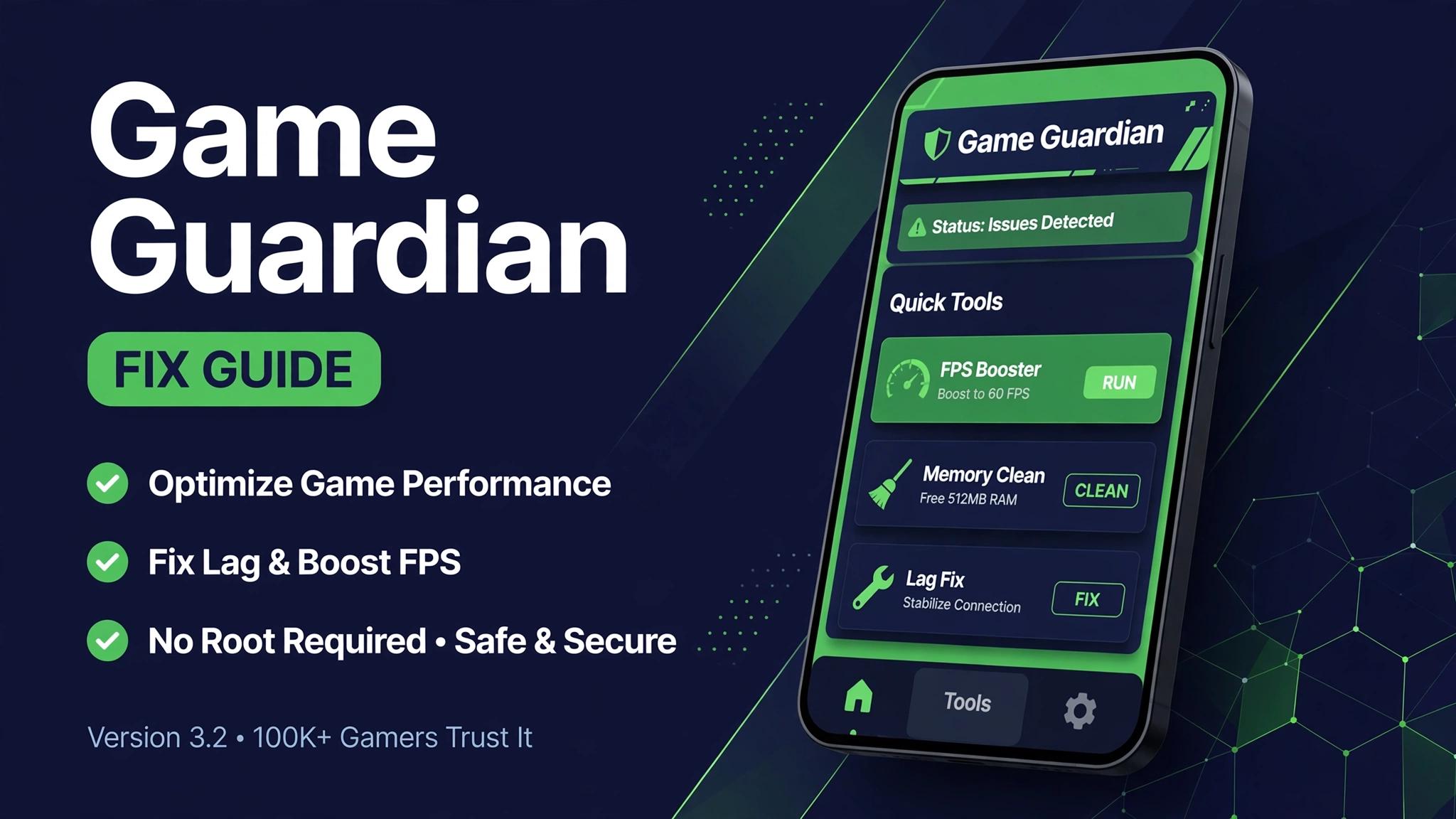
Game Guardian is the Android memory editor by Enyby for finding and changing values inside games, like coins, gems, lives, and experience points. When it stops working, owners usually get a vague failure with no clear cause.
The surprising part is how misleading search results are. A search for this exact fix returns Windows anti cheat guides for a different product called GameGuard, plus game crash pages, instead of a fix guide for the Android tool.
This guide fixes that gap. You get the real reasons the Android tool fails, the fixes in the order you should try them, and the honest limits for online games, where no memory editor can change server side data.
Game Guardian not working fix means updating to the tracked v104.10 build, running it in a virtual space for no root mode, picking a searchable offline game, and restarting the search after every game update. Most failures come from an old build, a blocked virtual space, or trying to edit online game data that lives on a server.
What Is This App
Game Guardian is an Android utility for searching and editing values inside a game, like coins, gems, lives, and experience points. It works best on offline games, because online game data is stored on servers with encryption that a phone tool cannot change.
Version 104.10 supports no root mode through a virtual space like Parallel Space. You can use exact search, fuzzy search, value freezing, speed hack, and Lua scripts for automation.
Older builds like v104.8 and v101.1 still circulate on many sites, and they break after game updates and Android updates. This guide uses v104.10 as the tracked build from an active source, and it explains which failures are fixable and which are permanent limits.
Mod Features
- No root mode Run inside a virtual space with no root and no system change.
- Exact and fuzzy search Find known values fast, or narrow unknown values down step by step.
- Value freezing Lock a value in place while you play, for offline games only.
- Speed hack Change game speed for testing and for slow sections.
- Lua scripts Automate repeated searches and edits with scripts.
Tap the button to open the Apkal download page. A 10 second timer runs first, then your download starts.
How to Download and Install
- Update Game Guardian to the tracked v104.10 build from this article before you try anything else.
- If you run without root, open Game Guardian inside the same virtual space as the game, not outside it.
- Force stop both Game Guardian and the game, then reopen them in the same virtual space.
- Pick an offline game for testing, because online values cannot be edited from a phone.
- Run an exact search for a value you can see, change it in the game, then search again for the new value.
- If the search returns nothing, switch to fuzzy search and narrow the results down over several rounds.
- If the tool still fails, uninstall both the tool and the virtual space, restart your phone, then install the tracked build cleanly.
If your phone blocks the virtual space, check battery optimization settings and allow the virtual space app to run in the background. Some phone brands kill background tools aggressively, and that looks exactly like a Game Guardian failure when it is really a battery setting.
System Requirements
| Item | Requirement |
|---|---|
| Operating system | Android 5.0 or newer |
| Free space | At least 250 MB for the tool, the virtual space, and game data |
| Mode | No root through a virtual space, or a rooted device |
| Connection | No connection needed for offline game editing |
| Tracked build | Game Guardian v104.10, about 57.42 MB |
Pros and Cons
Pros
- Powerful search tools for offline games
- No root mode through a virtual space
- Lua scripts automate repeated work
- Speed hack helps with slow game sections
Cons
- Cannot edit online game data stored on servers
- Breaks after game updates until a new build ships
- Virtual space setup confuses new users
- Search results mislead owners toward a different Windows product
Mod vs Original
| Feature | Mod version | Original version |
|---|---|---|
| Target game | Offline games, editable | Online games, server side, not editable |
| Root | Not required, virtual space works | Rooted only on older tools |
| Search | Exact, fuzzy, and Lua scripts | Basic search only |
| After game update | Update the tool, search again | Old searches stay broken |
| Fix guide | This guide, Android tool only | Windows GameGuard guides, wrong product |
Common Errors and Fixes
No values found
You are likely editing an online game, or the value changed format after an update. Test on an offline game first.
Tool closes when the game opens
Run both apps inside the same virtual space, and allow the virtual space to run in the background.
Search freezes the game
Use lighter scripts, close other apps, and restart both apps before a new search round.
App will not install
Check free space, allow installs from unknown sources, and install the tracked v104.10 build cleanly.
Is It Safe
Only download from a source you trust and check the app permissions before you install. The guide Is Mod APK Safe explains the basic safety checks you should run first.
A mod build is not the official app and it is not on the Play Store. Read What Is a Mod APK first, then follow How to Install Mod APK so the install goes smoothly.
Related Articles
- Game Guardian APK Download
- Game Guardian Mod APK Terbaru
- Mod APK Not Working Fix
- Roblox Script Not Working Fix
- How to Update Mod APK Without Losing Data
FAQs
Why is Game Guardian not working after a game update?
Game updates change how values are stored, so old searches break. Update Game Guardian to v104.10 and run a fresh search.
Is this guide about the Windows GameGuard product?
No. Windows GameGuard is an anti cheat service for PC games and a different product. This guide covers only the Android memory editor by Enyby.
Can Game Guardian edit online games?
No. Online game data lives on servers with encryption, so no phone tool can change it. Use offline games for editing.
Do I need root to use Game Guardian?
No. Version 104.10 supports no root mode through a virtual space like Parallel Space.
Why does Game Guardian close when I open a game?
Both apps must run inside the same virtual space. Also check battery optimization, which can kill background tools.
What version should I use?
The tracked build in this article is v104.10, about 57.42 MB. Older builds like v104.8 and v101.1 break more often.
Why do search results show Windows guides?
The name GameGuard belongs to a Windows anti cheat product too, so search mixes the two. This article is the Android tool fix guide.
What if no values are ever found?
Test on a simple offline game with a visible number, like coins. If that works, your first game was online or encrypted.
Conclusion
Game Guardian not working is usually an old build, a virtual space mistake, or an online game that cannot be edited from a phone. This guide separates those three causes so you stop chasing fixes that cannot work.
Update to the tracked v104.10 build, run the tool and the game in the same virtual space, and test on offline games first. With those rules, most real failures disappear in minutes.
Key Points
- Tracked build v104.10, about 57.42 MB
- No root mode needs the same virtual space as the game
- Online game data cannot be edited from a phone
- Search results mix this tool with a different Windows product
- Update the tool and search again after every game update
References
Disclaimer: this article is for information only. Mod builds are not official products, and all content rights belong to their owners.