Grow a Garden Script for Delta Executor: Mobile Guide
Grow a Garden eats hours. Plant, wait, harvest, sell, repeat, while other players automate the whole loop and stack coins overnight. The difference is a script running through Delta Executor on their phone.
Here is what most script pages get wrong: they dump a wall of code with no explanation of where it came from or whether it still works after the latest game update. A dead script is worse than no script, because it wastes your time and risks your account.
This guide shows how to run Grow a Garden scripts through Delta Executor on mobile, where to find scripts that actually work right now, and how to stay safe while using them.
Quick Answer: To run a Grow a Garden script with Delta Executor, install Delta, get your free key, open Grow a Garden, paste a working script loadstring into the Delta editor, and tap Execute. Use scripts from Delta built in script hub or trusted script libraries, and always test on a secondary Roblox account first.
What a Grow a Garden Script Does
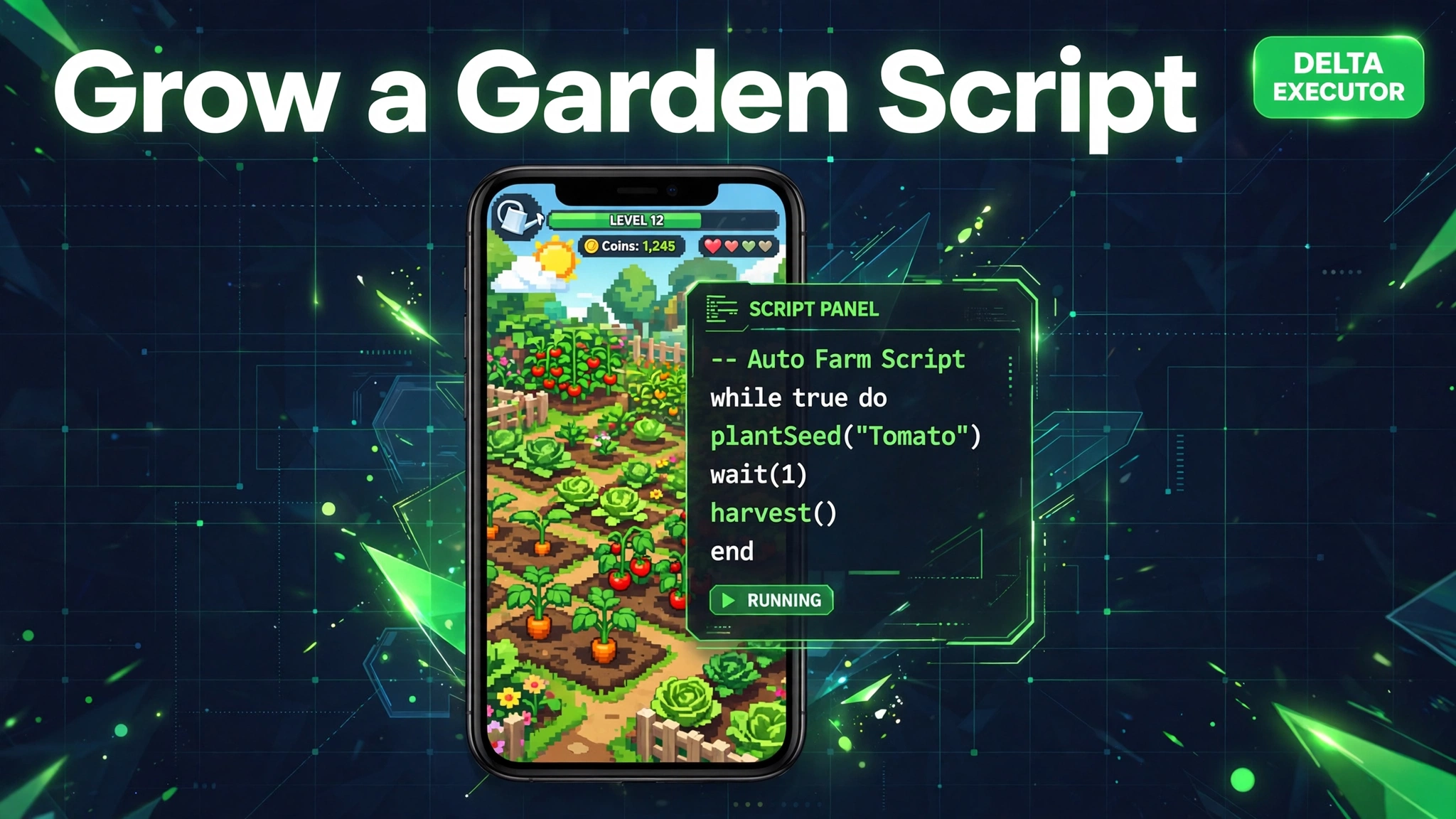
A Grow a Garden script is a small Lua program that plays the farming loop for you. The popular ones auto plant seeds, auto harvest crops, auto sell produce, and auto buy eggs, all while you watch or leave the phone running.
Advanced scripts add auto weather response, teleport between garden plots, and automatic event participation during limited time events. The best maintained ones are updated within days of each Grow a Garden patch.
Delta Executor runs these scripts inside the Roblox mobile app. It is the most popular mobile executor for this exact job, with a built in script hub that added Grow a Garden scripts in its latest updates.
Before You Start: Delta Setup
You need three things ready before any script will run. First, Delta Executor installed on your phone. Second, a valid Delta key, which is free and takes a few minutes. Third, the Roblox app with Grow a Garden ready to join.
If you have not done the key step yet, our Delta Executor key guide covers the official process. If Delta itself is misbehaving, fix it first with our Delta Executor not working fix guide, because no script can run on a broken executor.
Where to Find Working Grow a Garden Scripts
The safest source is Delta built in script hub. Open Delta, go to the Script Hub or Library tab, and search for Grow a Garden. These listings are maintained alongside Delta releases and match the current game version far more often than random web pages.
The second reliable source is ScriptBlox, the community script library that Delta can import from directly. Look for scripts with recent update dates and high execution counts. A script updated this month is worth ten scripts from last year.
Avoid script links from comment sections, random Discord invites, and sites that make you complete surveys before showing code. Those are the classic delivery method for token loggers that steal Roblox accounts.
How to Run the Script in Delta
- Open Delta Executor and make sure your key is active. The full menu should be unlocked.
- Join Grow a Garden in Roblox and wait until your garden fully loads. Running the script too early is the most common beginner mistake.
- Open the Delta overlay by tapping the Delta icon on screen. The script editor appears over the game.
- Paste the script loadstring into the editor. A loadstring looks like one line starting with loadstring and ending with two sets of parentheses. Copy it exactly, with nothing added or removed.
- Tap Execute. Delta injects the script and its control menu appears, usually as a small floating button or side panel.
- Turn on the features you want in the script menu. Start with auto farm only, confirm it works, then enable more.
Popular Script Features Explained
Auto farm. The core loop: plants, harvests, and sells on repeat. This is the feature almost everyone wants, and the one to test first.
Auto egg hatch. Buys and hatches eggs automatically, which is how players chase rare pets without babysitting the game.
Auto event. Joins limited time events and claims rewards while you are away. Events are where the rarest items come from, so this feature matters most during event weeks.
Teleport. Jumps between plots, shops, and event areas instantly. Handy on large gardens where walking wastes time.
Enable features one at a time. If something breaks, you will know exactly which toggle caused it, and you can report it to the script author with useful detail.
When the Script Stops Working
Scripts break when Grow a Garden updates. The game patches often, and each patch can change the internal names that scripts depend on. When your script suddenly does nothing, check whether the game updated in the last day or two.
The fix is to get the newest version of the script from the same source, not to reinstall Delta. Script authors usually push fixes within days. If the whole script hub looks dead, update Delta itself, because old executor builds stop working after Roblox client updates.
Safety Rules for Script Users
Always use a secondary Roblox account for scripting. Script use breaks the Roblox terms of use, and bans happen. Never risk an account with rare items or Robux on it.
Never run a script that asks for your Roblox password or cookie. Legitimate scripts never need your login. Never download extra files that a script page tells you to install, because the script itself is only ever text you paste.
For the full risk picture, read our is mod APK safe guide. The same caution you apply to mod files applies double to executable scripts.
Frequently Asked Questions
Do Grow a Garden scripts need a key
The scripts themselves are keyless, but Delta Executor needs its free 24 hour key before it can run anything. Get the key once from inside the Delta app and the scripts work until it expires.
Why is my Grow a Garden script not working
The game probably updated. Scripts depend on the current game version, so grab the newest script release from the script hub or ScriptBlox. If nothing executes at all, update Delta and renew your key.
Can I get banned for using Grow a Garden scripts
Yes. Automated play breaks the Roblox terms of use and detection happens in waves. Use a secondary account, avoid obvious behavior like 24 hour nonstop farming, and accept the risk before you start.
Which script is the best for Grow a Garden
There is no single best script because the game updates constantly. The best script is the one updated most recently for the current patch, with auto farm, auto sell, and event support. Check update dates before choosing.
Do scripts work on iOS too
Yes, through Delta for iOS. The setup is the same: install Delta, get the key, join the game, paste the loadstring, and execute. iOS sideloading takes a few extra steps at install time.
Is there a script without the Delta key system
No legitimate one. Delta always needs its key. Any page offering keyless Delta or a cracked executor is distributing malware or a fake app. Stick to the official key flow.
How do I stop a running script
Open the Delta overlay and use the script menu close or destroy button. If the menu is gone, rejoining the game server clears every running script. Never just close the app mid farm and assume it stopped.
Conclusion
Running a Grow a Garden script through Delta Executor comes down to three habits: keep Delta updated, use scripts from the built in hub or ScriptBlox with fresh update dates, and always test on a secondary account. Paste the loadstring, tap Execute, enable features one by one, and refresh the script whenever the game patches. Do that and the farming loop runs itself while you get on with your day. Start from our Delta Executor APK guide if you still need the executor installed.
Key Points
- Delta built in script hub and ScriptBlox are the safest script sources.
- Setup order: install Delta, get the free key, join the game, paste the loadstring, tap Execute.
- Scripts break on game updates. Always use the newest script release for the current patch.
- Never enter your Roblox password into a script page. Real scripts are only pasted text.
- Use a secondary account. Scripting can lead to bans.
References
- Delta Executor v2.743 changelog, Grow a Garden scripts added to script hub
- Roblox official site, Grow a Garden game page
Disclaimer: Delta Executor and community scripts are third party tools not affiliated with Roblox Corporation. Script use may violate the Roblox terms of use and can lead to account action. This guide is for information only.