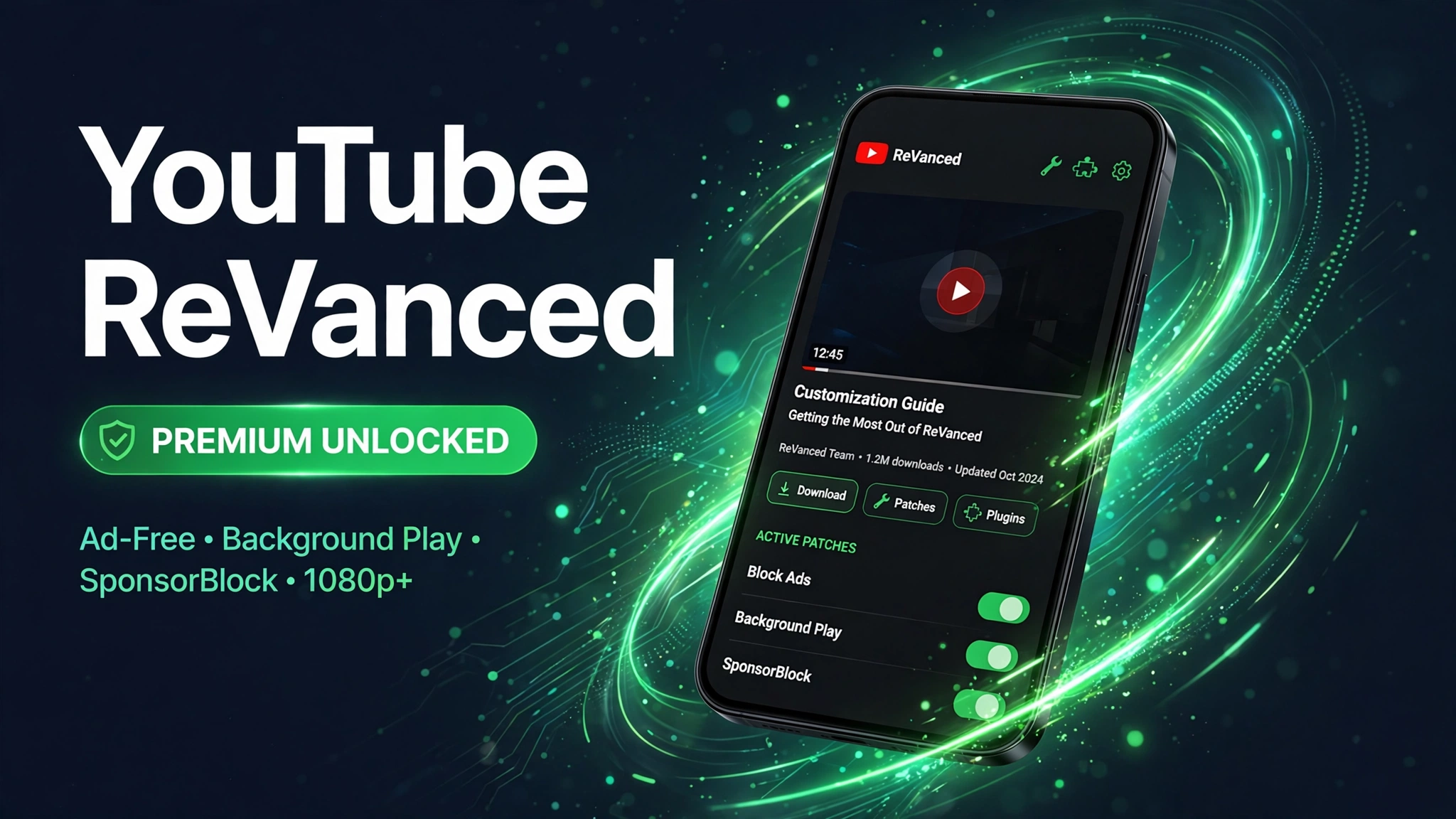
YouTube ReVanced APK v2.6.0 (Manager Download + Patch Guide): Download for Android
Quick answer first: YouTube ReVanced is not a ready made modded APK you just install. It is a patcher workflow, you download ReVanced Manager v2.6.0 (44.7 MB, verified), point it at the official YouTube app on your phone, pick the patches you want, and it builds you a customized ad free YouTube. The green download button below gives you the official Manager APK after our 10 second timer, and the steps below walk you through patching. If you are new to modified apps, it is worth reading what a mod APK actually is and whether mod APKs are safe before you begin.
An honesty note: many competitor pages sell you confusion here. Some advertise Manager “v3.0.5” or even “v4.1.5” with mismatched file sizes (15 MB here, 44.7 MB there), those are unofficial repackages or plain invented numbers. The real ReVanced team publishes the Manager on GitHub under the ReVanced organization, and the current official release is v2.6.0. We downloaded the file directly from the project’s own release and checked it ourselves: the SHA 256 hash matches the value the project published, it is a valid 44.7 MB package, and that is exactly the file this page hands you. No re zipped mirror, no extra bundled apps.
Quick Answer: YouTube ReVanced is not a ready made mod APK. It is a patcher that builds a modded YouTube app on your phone, with ad blocking, background playback and SponsorBlock. This page provides the official ReVanced Manager v2.6.0 at 44.7 MB and shows the complete patching process step by step, plus fixes for common errors.
What Is YouTube ReVanced?
YouTube ReVanced is the open source successor to YouTube Vanced, which was discontinued back in 2022. Instead of handing you one pre modified APK, the ReVanced project gives you a patching tool, ReVanced Manager, that injects community written patches into the official YouTube app right on your device. The result is a YouTube that looks and feels like the original but blocks ads, plays in the background, skips sponsored segments and restores dislike counts. Because you patch a current official YouTube build yourself, the result stays newer and more secure than the old pre built Vanced style APKs that are still floating around.
The Manager can also patch YouTube Music, TikTok, Reddit, Twitch, Spotify and several other apps, but this guide focuses on YouTube, which is what nearly everyone uses it for. Google never published ReVanced anywhere official, so the only trustworthy source is the project’s own GitHub releases, which is exactly what this page serves.
Mod Features
These are the patches most people enable when they build their ReVanced YouTube, none of them are inside the Manager itself; you select them during the patch step:
- Ad blocking: skips video ads, banner ads and in feed promoted content.
- Background playback: audio keeps playing with the screen off or while you use other apps.
- SponsorBlock: auto skips sponsored segments, intros, outros and reminder segments using crowd sourced timestamps.
- Return YouTube Dislike: brings back dislike counts on videos.
- Picture in picture: mini floating player while multitasking.
- Custom themes: AMOLED black, dark themes and accent color control.
- Swipe controls: swipe left or right for brightness and volume while watching.
- No root needed: the whole workflow runs on standard non rooted phones.
⬇ Download YouTube ReVanced Manager APK
How to Download & Install
Installing the Manager is only half the job, after that you patch YouTube. Here is the full workflow:
- Tap the green Download YouTube ReVanced Manager APK button above.
- You will land on our apkal.com/download/ timer page showing the app name (YouTube ReVanced Manager APK), version (2.6.0) and size (44.7 MB).
- A 10 second countdown runs; when it finishes, the APK download starts automatically. Use WiFi, it is a 44.7 MB file.
- Enable install from unknown sources for your browser when asked, then open the downloaded APK and tap Install. If Play Protect warns you, tap Install anyway, patching tools get flagged because they modify other apps, which is a false positive.
- Open ReVanced Manager, grant the permissions it asks for (storage and install unknown apps).
- Install GmsCore (ReVanced’s MicroG) so you can sign in with your Google account, the Manager shows you the compatible build, or grab it from the ReVanced GmsCore releases.
- In the Manager, tap Patcher → Select an application → YouTube. Pick the Suggested version; the Manager can fetch the base YouTube APK itself.
- Tap Select patches, enable what you want (ad blocking, background playback, SponsorBlock, Return YouTube Dislike are the popular ones), tap Done, then Patch. Patching takes a few minutes.
- When it finishes, tap Install on the patched YouTube. The ReVanced YouTube installs alongside the official app, your original YouTube stays untouched.
- Open the patched YouTube and sign in. Done, ad free YouTube with background play.
For a more detailed walkthrough of sideloading, see our full how to install mod APK guide.
System Requirements
The Manager is a light tool, but the patching step is heavier than a normal install. Here is what you need:
- Android version: 8.0 (Oreo) or above.
- Storage: at least 500 MB free, the Manager is 44.7 MB, but you also need the base YouTube APK and room for the patched output.
- RAM: 2 GB minimum; patching is a build process, so 3 to 4 GB makes it smoother.
- Architecture: arm64 v8a works best; armv7 is supported with fewer patch options.
- Internet: needed during setup, the Manager downloads patches and the suggested YouTube base build.
- Official YouTube: do NOT uninstall it; the patched build installs next to it under a different package name.
Pros & Cons
Pros
- Official, open source tool, auditable code, no mystery repackager in the middle.
- No root required; patched app installs beside the original YouTube.
- Full control: you choose exactly which patches to enable.
- SponsorBlock and Return YouTube Dislike are genuinely not available on YouTube Premium.
- Works on YouTube Music and several other apps too, not just YouTube.
- 44.7 MB file, far smaller than any pre patched YouTube build.
Cons
- Setup is a real 10 to 15 minute project, not a one tap install like a normal mod APK.
- Patched YouTube cannot update through the Play Store, disable auto updates for YouTube or a Play Store update will overwrite your patches.
- YouTube changes frequently; when the base version moves on, you repatch with the Manager.
- Play Protect will flag the Manager during install, expected, but unnerving for beginners.
- Violates YouTube’s Terms of Service, and sign in still uses your real Google account.
- Android only, there is no ReVanced for iPhone or iPad.
YouTube ReVanced vs YouTube Premium
| Feature | YouTube Premium | YouTube ReVanced |
|---|---|---|
| Price | Monthly subscription | Free (community patches) |
| Ad free videos | Yes | Yes |
| Background playback | Yes | Yes |
| SponsorBlock | No | Yes |
| Return YouTube Dislike | No | Yes |
| YouTube Music included | Yes | Separate patch build |
| Devices | Android, iOS, web, TV | Android only |
| Setup | 2 minutes, official app | 10 to 15 minutes of patching |
| ToS compliant | Yes | No |
Common Errors & Fixes
Play Protect blocks the Manager install: expected behavior, Google flags apps that modify other apps. On the warning screen tap Install anyway. The file here is the project’s own official release, verified by hash.
“App not installed” when installing the patched YouTube: a conflicting package is on the device. Make sure you are not trying to install the patched build over the official YouTube from the Play Store, it must install as a separate package. Clear any failed installs and retry.
Patching fails or hangs: the most common cause is a mismatched base YouTube version. In the Manager, pick the Suggested version instead of your installed YouTube, make sure you have at least 500 MB free, and use a stable connection while patches download.
Sign in fails in patched YouTube: you need the matching ReVanced GmsCore (MicroG) build installed. Stock MicroG from upstream cannot sign in alongside normal Google Play Services, use the ReVanced GmsCore release.
Patches suddenly stop working after an update: the Play Store auto updated YouTube or the patched build’s base version is now outdated. Disable auto updates for YouTube in the Play Store, then open the Manager and repatch with the current suggested version.
Is It Safe?
Read our in depth guide on mod APK safety before installing. ReVanced is unusual among mods: it is genuinely open source, so its code can be audited, and the file on this page is the project’s own official release with a matching published hash, the risk of tampered binaries is about as low as sideloading gets. The real risks are elsewhere: the patched YouTube violates YouTube’s Terms of Service, you sign in with your actual Google account, and patched builds bypass Play Protect style checks, so future fake “Manager” sites are the actual malware vector. Always scan downloads, never grant permissions the app does not need, and understand that using patched clients can theoretically affect your Google account. For background on how these mods work, see what is a mod APK.
FAQs
Is YouTube ReVanced a modded APK I can just install?
No. ReVanced is a patcher, not a ready made mod. You install ReVanced Manager, it downloads the patches, and it builds a customized YouTube on your own device. The Manager is the only file you download at the start.
What is the latest ReVanced Manager version?
The current official release from the ReVanced team is v2.6.0 (44.7 MB). Beware of sites advertising “v3.0.5” or “v4.1.5”, those numbers do not exist in the project’s official releases and come from unofficial repackagers.
Do I need root to use ReVanced?
No. ReVanced Manager works on non rooted phones. The patched YouTube installs as a separate app next to the official one, with sign in handled by ReVanced GmsCore (MicroG).
Do I need to uninstall the official YouTube app?
No, that is the point of the non root workflow. The patched build installs alongside the official YouTube under a different package name. Just disable auto updates for YouTube in the Play Store so it does not overwrite your patched version.
Can I use ReVanced on iPhone?
No. ReVanced Manager and its patches are Android only. iOS users need to look at other routes such as ad blocking browsers or DNS level ad blockers.
Does ReVanced need a rooted phone?
No. The standard ReVanced setup on this page works without root. You patch the official YouTube app with ReVanced Manager and install the result like a normal app.
Why did my patched YouTube app stop working?
YouTube updates and old patch versions are the usual cause. Download the latest Manager from this page, patch a fresh copy of the official app and install the new build.
More Mods You May Like
Want more from your media apps? Grab SnapTube Mod APK v7.68.1 (VIP Unlocked) for downloading videos from YouTube and other platforms, VidMate APK Download v6.0302, Latest Official Version for Android for another all rounder video downloader, and Castle Mod APK v2.1.1 (Premium Unlocked) for movies, shows and live sports between uploads.
Conclusion
YouTube ReVanced APK is the only honest way to get a premium feeling YouTube on Android in 2026: ad free playback, background audio, SponsorBlock and restored dislike counts, built from the official app by the official open source tool. The verified ReVanced Manager v2.6.0 (44.7 MB) file on this page is the project’s own release, hash checked, not a mystery mirror, and the steps above take you from download to a patched YouTube in about 15 minutes. Hit the green button to start your 10 second timer, keep the Play Store from auto updating YouTube afterward, and repatch whenever a new suggested base version arrives.
Disclaimer: YouTube ReVanced Manager is a third party open source tool and is not affiliated with or endorsed by Google or YouTube. All credits for the original app belong to its developers. Patching and using modified clients may violate YouTube’s Terms of Service and can theoretically affect your Google account; proceed at your own risk and always scan downloaded files with an antivirus before installing.
Key Points
- ReVanced is a patcher, not a ready made mod: it builds the modded YouTube app on your own device.
- The Manager provided on this page is v2.6.0, 44.7 MB, from the official ReVanced project.
- Patched features include ad blocking, background playback and SponsorBlock.
- Read our mod APK safety guide before installing, and follow the install guide if you get stuck.