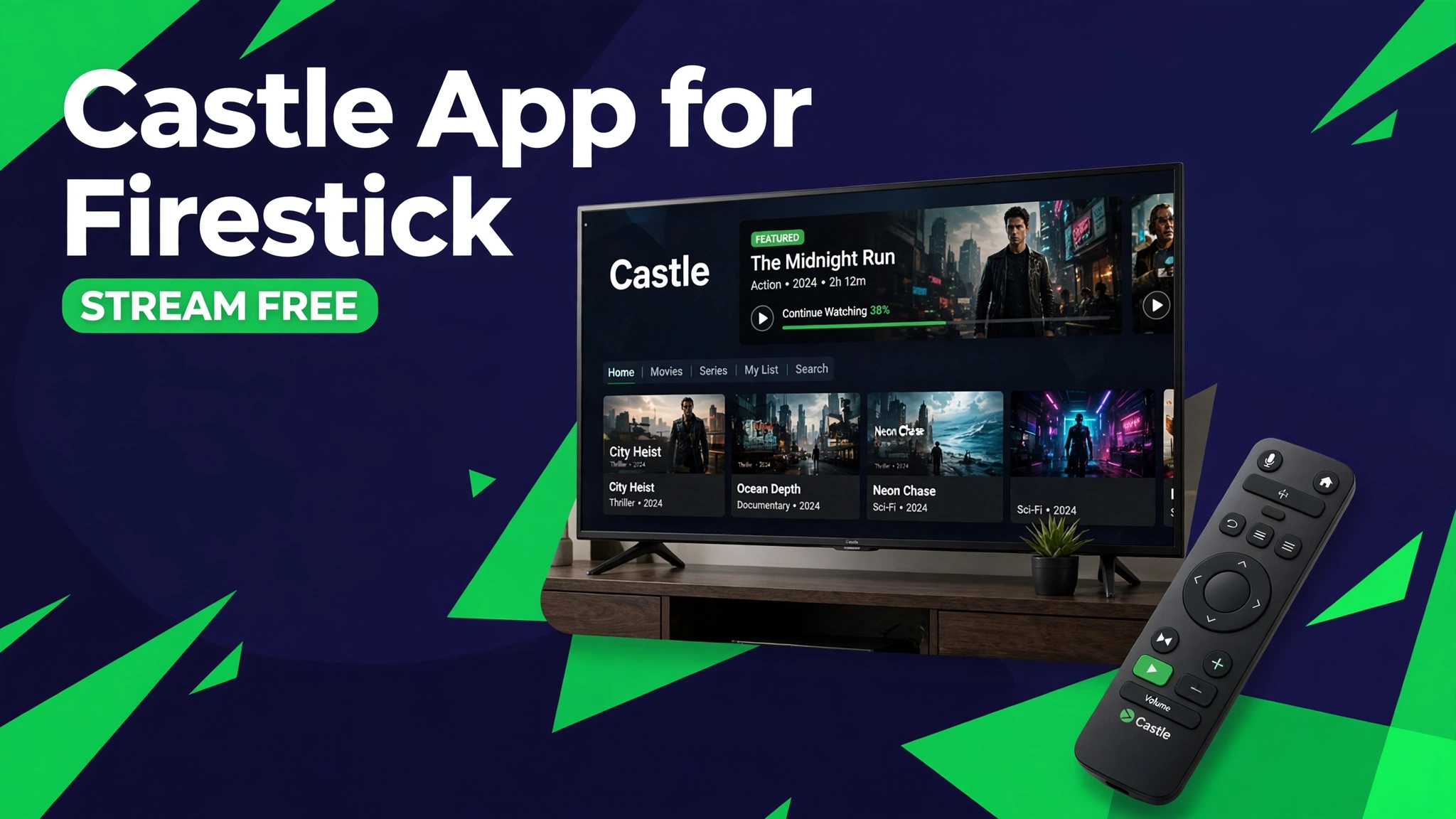
Castle App for Firestick: Stream Movies on Fire TV
Castle is a popular free movie and shows app, but it is not on the Amazon Appstore. That means Firestick owners cannot just search for it and install it like a normal app.
The guides that do exist are mostly buried inside mobile download pages. They rarely explain the Firestick steps properly, and they almost never give you a verified file to sideload.
This guide covers Castle App for Firestick step by step: the verified APK file, the Downloader method, and the fixes for the errors Firestick users actually hit.
Quick Answer: Castle App for Firestick works by sideloading the Castle v2.1.1 APK with the Downloader app. First allow unknown sources in Firestick settings, then open Downloader, enter the download page address, and install the 54 MB file. The same APK powers the phone app, so movies, shows, and subtitles work exactly the same on your TV.
What Is Castle App
Castle is a free movie and shows streaming app with a large library across languages. It offers movies, web series, and TV shows in HD quality with subtitle options.
The app is not on the Amazon Appstore or Google Play, so Firestick owners must sideload it. Sideloading just means installing an APK file yourself, and it takes about five minutes.
Why Castle Works Well on Firestick
Movies belong on a big screen. Castle streams open in a video player that supports full screen playback, subtitles, and multiple quality options, all easy to control with the Fire TV remote.
The app is also reasonably light at 54 MB. Even older Fire TV Stick models run it well, as long as your internet connection is stable.
Castle Features on Firestick
Movies and shows library. A large catalog of movies, web series, and shows across languages, updated regularly with new releases.
HD quality with subtitles. Streams in HD where available, with subtitle options for many titles.
Search and categories. Find titles by genre, language, or year, and browse trending and newly added sections.
No subscription. Everything in the app is free to watch, with no account or payment needed.
⬇ Download Castle APK for Firestick
v2.1.1 · 54 MB · Fire OS 5+
How to Install Castle on Firestick
- Allow unknown sources. On your Firestick, go to Settings, then My Fire TV, then Developer Options, and turn on Apps from Unknown Sources. On newer Fire OS versions, you approve Downloader when it first asks instead.
- Install Downloader. Search for Downloader in the Amazon Appstore and install it. It is the standard sideloading tool for Fire TV.
- Open the download page in Downloader. In Downloader, enter the timer page address from the green button above. Wait for the 10 second countdown and the Castle v2.1.1 APK download starts automatically.
- Install the APK. When the download finishes, Downloader asks to install. Choose Install, then choose Open or Done.
- Open Castle. Find it under Your Apps and Channels. If it is not on the home row, open Settings, then Applications, then Manage Installed Applications.
Alternative method: download the APK on your phone or computer from the button above, then send it to your Firestick with the Send Files to TV app and install it from your file manager.
See how to install mod APK for the general install guide.
Requirements for Firestick
You need a Fire TV Stick or Fire TV with Fire OS 5 or newer, about 150 MB of free space, and a stable internet connection. HD streams need at least 10 Mbps.
Castle is a phone app at heart, so it runs in a phone shaped window on some screens. Use the Firestick screen magnification or rotation settings if the layout looks narrow.
Castle on Firestick vs on Phone
| Feature | Firestick | Phone |
|---|---|---|
| Screen | Big TV screen | Small phone screen |
| Install method | Downloader sideload | Direct APK install |
| Remote control | Fire TV remote | Touch screen |
| Library | Same library | Same library |
| Updates | Manual | Manual |
Pros and Cons
Pros: free movies and shows on your TV, HD quality with subtitles, no subscription or account, same library as the phone app.
Cons: not on the Amazon Appstore, sideloading needed, phone style layout on some screens, streams depend on your internet speed.
Common Problems and Fixes
App not installed error. This usually means an old Castle version is still on the stick. Uninstall the old version first, then install v2.1.1 again. See how to fix app not installed.
Stream keeps buffering. Switch to a lower quality stream in the player, move closer to your WiFi router, or restart the Firestick before a movie night.
Downloader will not open the timer page. Type the address slowly and check for typos. If the page still fails, download the APK on your phone and send it with Send Files to TV.
Subtitles missing on some titles. Not every title has subtitles. Try another stream source inside the title page if one is listed.
Safety Note
Castle is a third party app that is not affiliated with any studio or streaming service. Content comes from unofficial sources, so availability changes without notice. Scan the APK before installing and read is mod APK safe and what is a mod APK.
Main guide: Castle Mod APK. Also see Castle App for PC to watch on a computer.
Frequently Asked Questions
Is Castle available on the Amazon Appstore
No. Castle is not on the Amazon Appstore, which is why this guide uses the Downloader sideload method.
Do I need to root my Firestick
No. Sideloading with Downloader works on a normal Firestick without root.
What is the Downloader code for Castle
There is no official Downloader code. Use the timer page address from the green button above, or download the APK on your phone and send it with Send Files to TV.
Will Castle work on Fire TV Stick Lite
Yes. The app runs fine on the Lite, the standard Stick, and Fire TV Cube.
Why is the layout phone shaped on my TV
Castle is a phone app, so on some TVs it shows a portrait layout. The video itself still plays full screen when you open a title.
How do I update Castle on Firestick
Download the newest APK the same way and install it over the old version. There is no automatic update for sideloaded apps.
Is Castle legal to use
Castle streams come from unofficial sources, so legality depends on your country and the title. Use it at your own judgment and prefer licensed services for titles they carry.
Conclusion
Castle App for Firestick puts free movies and shows on your TV in about five minutes. Allow unknown sources, install Downloader, grab the verified v2.1.1 APK from the button above, and you are done. The library matches the phone version, subtitles work on most titles, and the only real work is the one time sideload. Keep the APK file handy, because the next update will need the same manual install.
Key Points
- Castle v2.1.1 sideloads on Firestick with the Downloader app, no root needed.
- File is 54 MB and verified, works on Fire OS 5 and up.
- Same free movies and shows library as the phone app, with subtitles.
- Phone shaped layout on some TVs, but videos play full screen.
- Updates are manual, so keep the newest APK file for the next version.
References
Disclaimer: Castle is a third party app not affiliated with any studio or streaming service. This guide is for information only.